How to disconnect Slack from ClickFunnels
Here is how to disconnect slack from clickfunnels
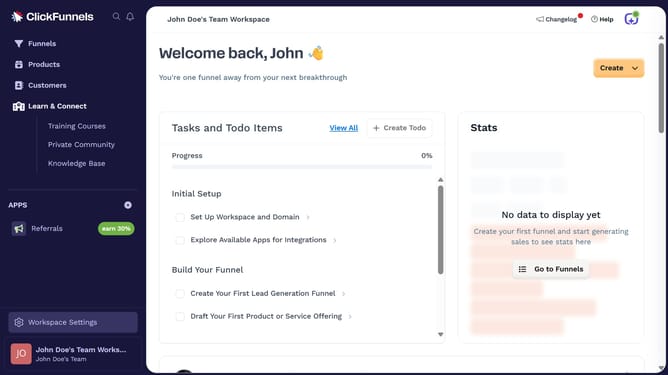
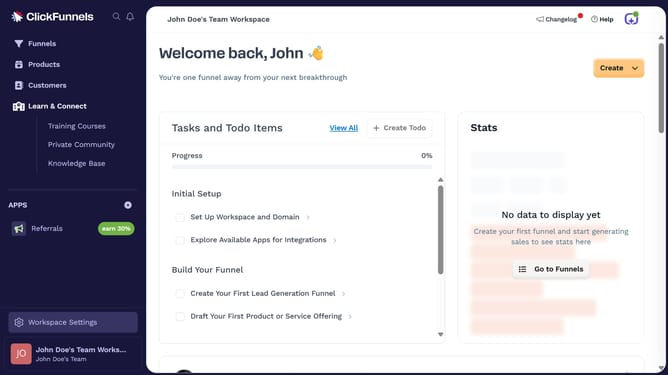
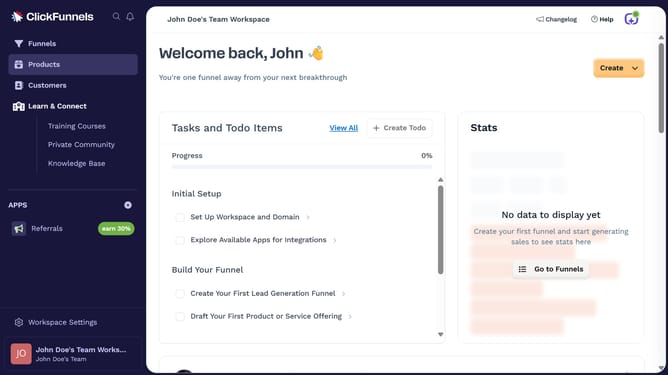
- First click on "Workspace Settings" link in the left sidebar
- Then click on "Integrations" menu item in the left sidebar
- Next click on the "Slack" integration card in the main content area
- Then click on the dropdown menu next to "Slack Account" field
- Next click on the delete/remove icon button in the dropdown menu
- Finally click on "Disconnect" button in the confirmation dialog
Why should you disconnect Slack from ClickFunnels
ClickFunnels is a powerful online platform designed to simplify the process of building high-converting sales funnels.
If you're considering disconnecting Slack from ClickFunnels, it's often for streamlining communications and minimizing unnecessary notifications.
This disconnection helps focus on essential tasks by reducing distractions, ensuring your team receives only the most relevant updates.
Overall, disconnecting can enhance productivity, allowing more direct attention towards achieving sales goals.
Last update