How to manage product visibility in ClickFunnels
Here is how to manage product visibility in clickfunnels
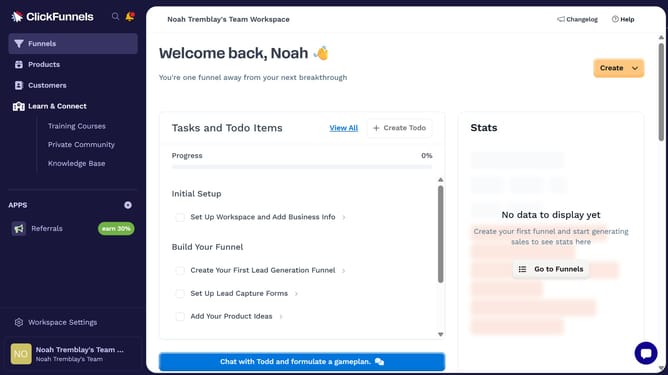
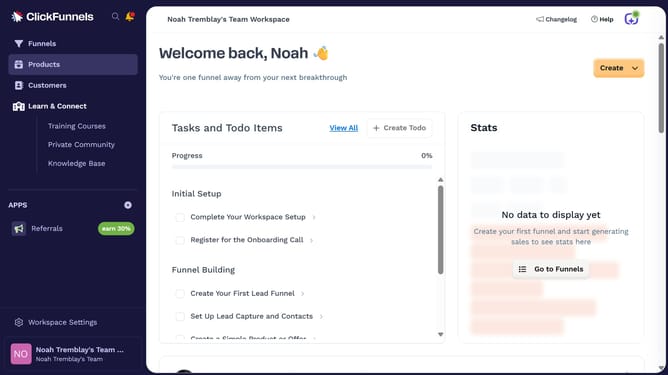
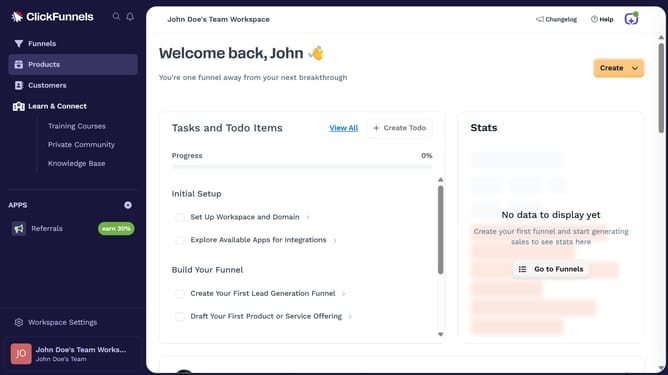
- First click on "Products" in the left sidebar to expand the products menu
- Then click on "All Products" submenu item in the left sidebar
- Next select the product you want to manage
- Next choose the desired visibility status such as "Online Store" or "Customer Center"
- Finally click on "Update Product" button in the top right corner to save the changes
Why should you manage product visibility in ClickFunnels
ClickFunnels is a dynamic tool designed to simplify online sales funnels for entrepreneurs and businesses.
Managing product visibility within ClickFunnels can greatly enhance customer experience by allowing you to display only the most relevant offers to potential buyers.
This feature helps in customizing product availability, ensuring the right products reach the right audience, which can lead to higher conversion rates and customer satisfaction.
By controlling product visibility, businesses can effectively target different segments, optimizing sales and marketing efforts with precision.
Last update