How to integrate Benchmark Email with ClickFunnels
Here is how to integrate benchmark email with clickfunnels
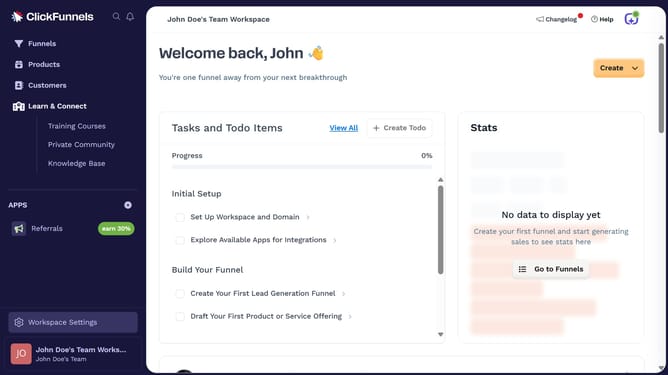
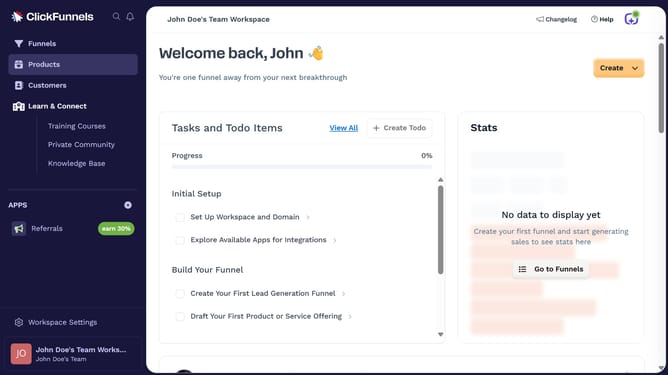
- First click on "Workspace Settings" button in the left sidebar
- Then click on "Integrations" menu item in the left sidebar under Workspace Settings
- Next click on "Benchmark Email" integration card in the main content area
- Finally enter the API key in the "API Key" input field and click the "Proceed" button
Why should you integrate Benchmark Email with ClickFunnels
ClickFunnels is a powerful tool designed to streamline the process of creating effective sales funnels.
Integrating Benchmark Email with ClickFunnels enhances your marketing strategy by effortlessly aligning your email marketing with sales funnel campaigns.
This integration offers seamless communication between your email list and sales process, keeping your audience engaged and driving conversions.
Utilizing this integration ensures efficient workflow, helping you track customer interactions, optimize marketing efforts, and ultimately increase sales.
Last update