How to hide the Unique visitors column in ClickFunnels
Here is how to hide the unique visitors column in clickfunnels
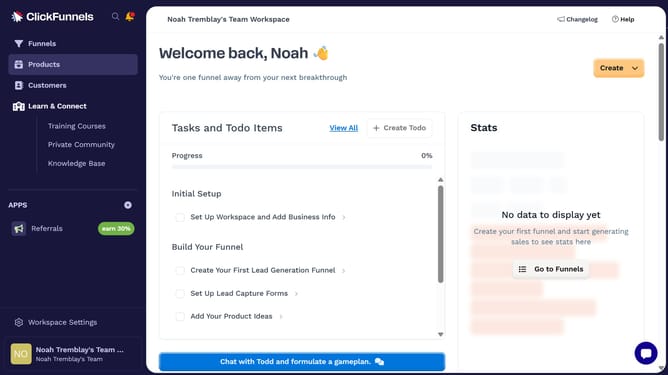
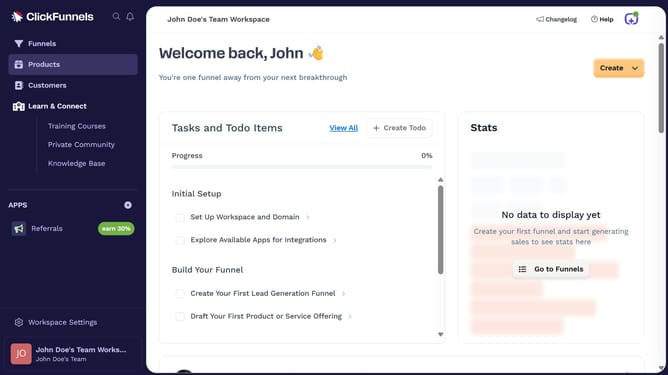
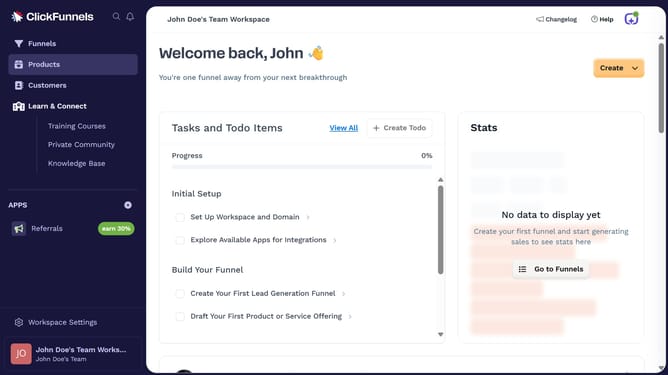
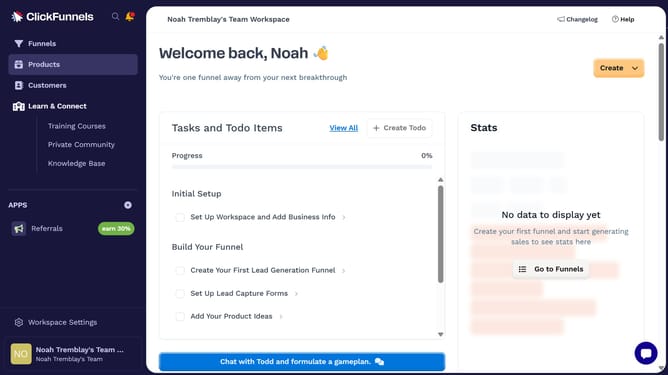
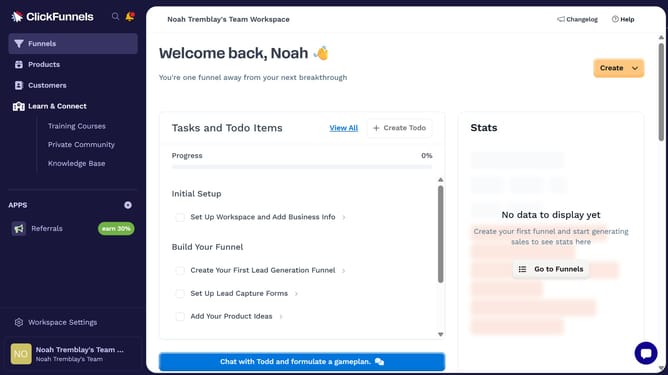
- First click on the "Funnels" option in the left sidebar menu
- Then click on the "Modify columns" button in the top-right corner of the funnels list
- Finally uncheck the "Unique visitors" checkbox in the columns configuration dropdown menu
Why should you hide the Unique visitors column in ClickFunnels
ClickFunnels is an intuitive tool designed to simplify the creation of marketing funnels and maximize conversion rates.
Incorporating the option to hide the Unique Visitors column within ClickFunnels offers a streamlined and uncluttered data interface. This feature helps users focus only on essential metrics, reducing distractions.
By customizing visible data, users can maintain a cleaner, more organized workspace, ultimately enhancing productivity and decision-making processes.
Last update