How to rename a funnel in ClickFunnels
Here is how to rename a funnel in clickfunnels
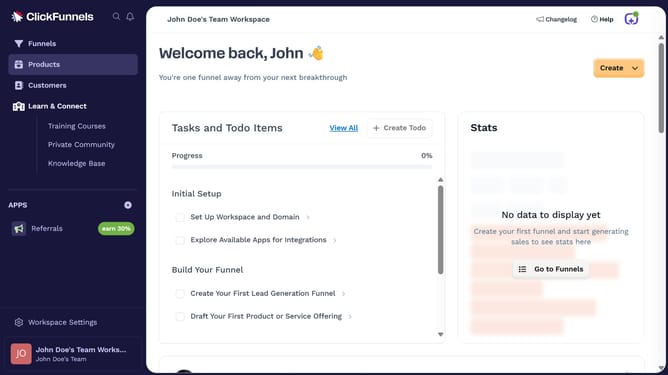
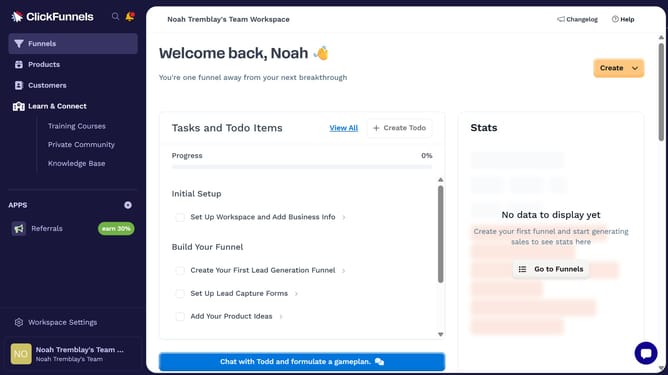
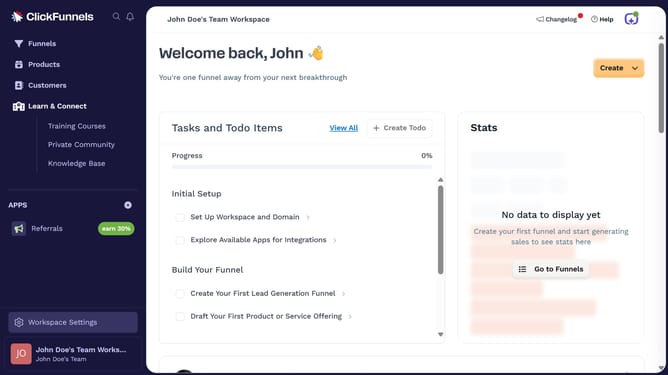
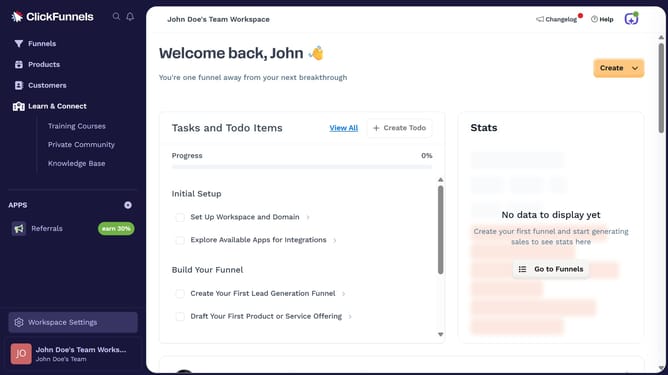
- First click on the "Funnels" option in the left sidebar menu
- Then select the funnel you want to rename from the list
- Next click on the "Settings" button in the top toolbar
- Then click inside the "Name" field and enter your new funnel name
- Finally click the "Update Funnel" button at the bottom of the settings modal
Why should you rename a funnel in ClickFunnels
ClickFunnels is a powerful tool designed to simplify the creation of sales funnels for businesses.
Renaming a funnel in ClickFunnels is a straightforward feature that greatly enhances your ability to manage and organize your marketing strategies.
By giving your funnels clear, descriptive names, you can easily identify their purpose, track their performance, and streamline your marketing processes. This feature not only helps in maintaining clarity but also aids in better team collaboration, ensuring everyone is on the same page.
Last update