How to integrate Harvest with ClickFunnels
Here is how to integrate harvest with clickfunnels
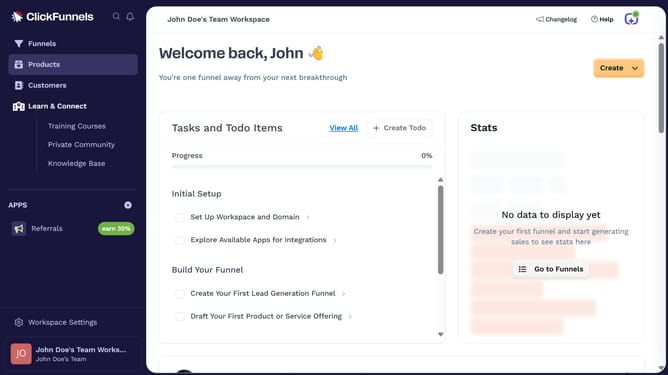
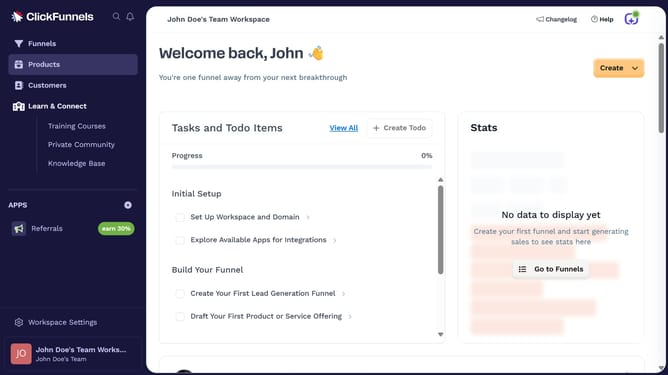
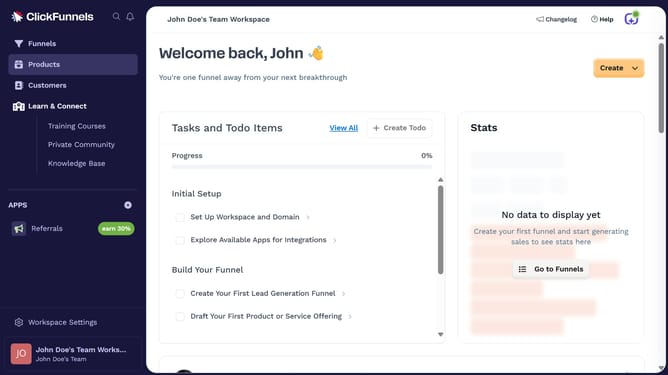
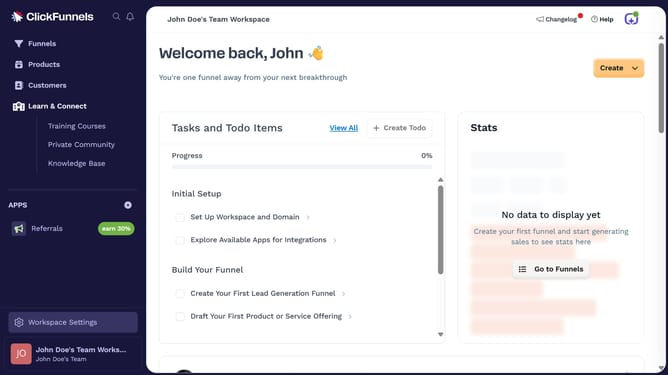
- First click on "Workspace Settings" button in the left sidebar
- Then click on "Integrations" menu item in the left sidebar under Workspace Settings
- Next click on the "Harvest" integration card in the main content area
- Finally sign in using your email and password, or choose to sign in with Google or SAML SSO in the connection form to complete the integration
Why should you integrate Harvest with ClickFunnels
ClickFunnels is a dynamic platform designed to streamline the creation and management of sales funnels.
By integrating Harvest with ClickFunnels, you seamlessly combine time tracking and invoicing functionalities with your sales process.
This integration ensures accurate billing for projects while enhancing productivity, allowing you to focus on closing deals efficiently.
Ultimately, integrating Harvest with ClickFunnels offers a more organized business workflow, ensuring your processes are both profitable and well-managed.
Last update