How to edit product SEO title in ClickFunnels
Here is how to edit product seo title in clickfunnels
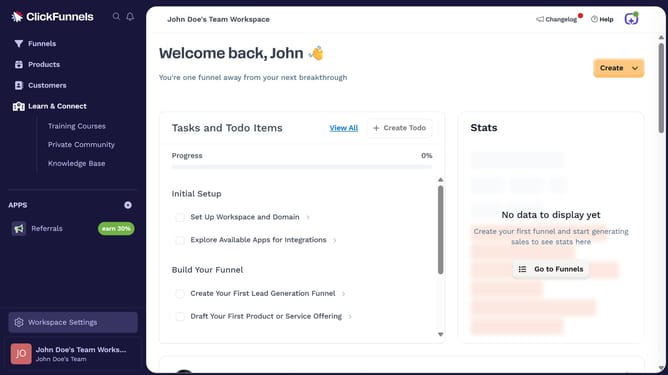
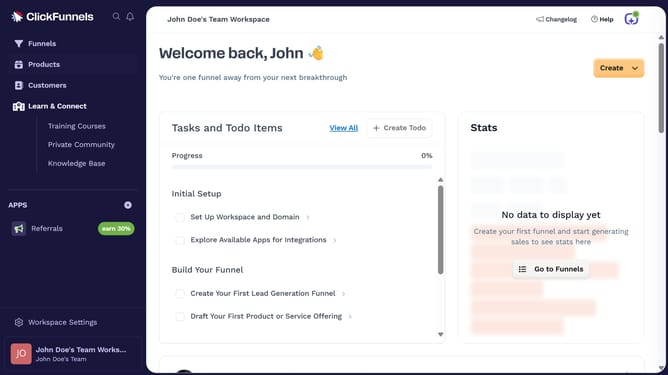
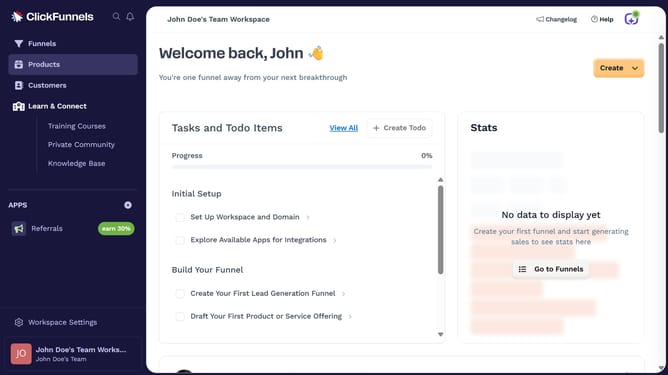
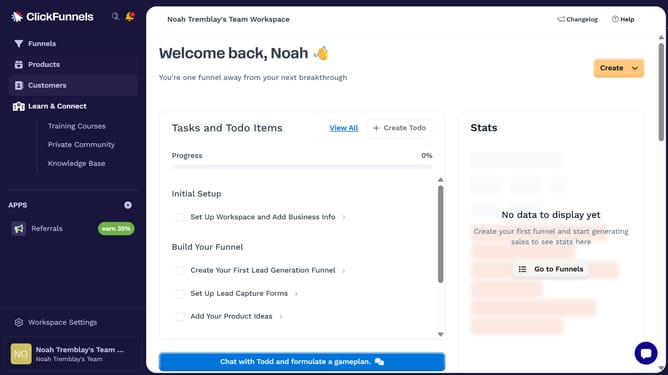
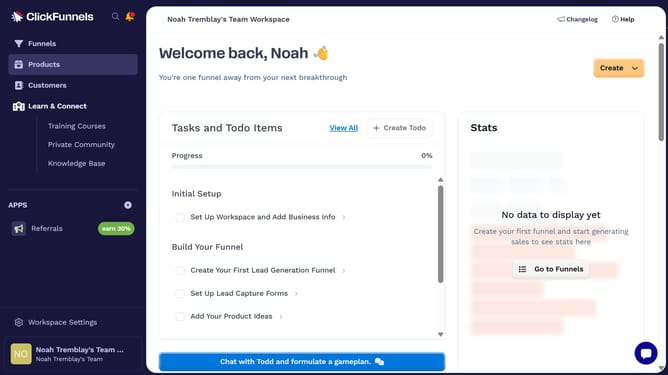
- First click on "Products" in the left sidebar
- Then click on "All Products" submenu item in the left sidebar
- Next select the product you want to edit
- Then click on "SEO and sharing" section to expand it
- Next click the title text field in the SEO and Sharing section to update it to your preferred text
- Finally click on "Update Product" button at the bottom right of the page
Why should you edit product SEO title in ClickFunnels
ClickFunnels is an essential tool for entrepreneurs aiming to easily create sales funnels that convert.
One of its standout features is the ability to edit product SEO titles, enhancing your online visibility.
This feature allows you to tailor your SEO title to be more aligned with your target audience's search behavior, driving more organic traffic.
By optimizing your titles, you not only improve search engine rankings but also capture potential customers' attention more effectively, leading to increased sales and engagement.
Last update