How to track inventory for a product in ClickFunnels
Here is how to track inventory for a product in clickfunnels
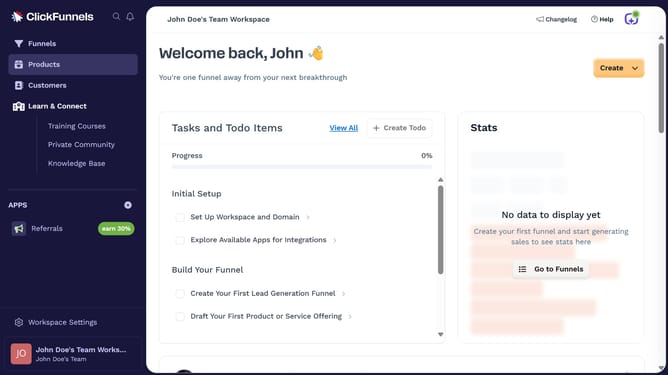
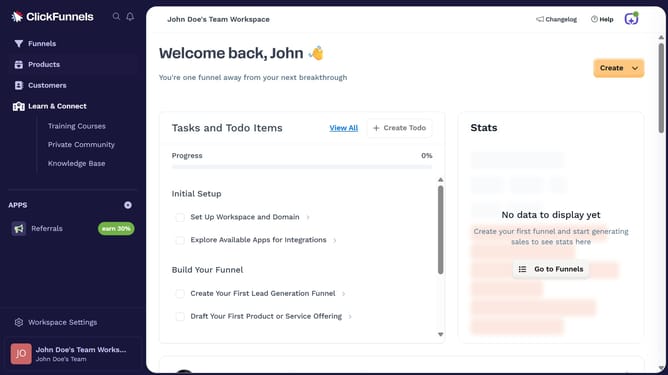
- First click on the "Products" option in the left sidebar menu
- Then click on the "All Products" submenu item in the Products section
- Next select the product you want to enable inventory tracking for
- Finally scroll to the "Inventory & Shipping" section and toggle on the inventory tracking option
Why should you track inventory for a product in ClickFunnels
ClickFunnels is a powerful platform designed to help businesses create effective sales funnels effortlessly.
Tracking inventory for a product in ClickFunnels enhances your ability to manage stock levels precisely, ensuring you never over-promise or under-deliver.
This feature gives you peace of mind, providing real-time updates on product availability which boosts operational efficiency.
Ultimately, accurately tracking inventory helps maintain customer satisfaction by fulfilling orders smoothly and promptly.
Last update