How to remove an image from a product in ClickFunnels
Here is how to remove an image from a product in clickfunnels
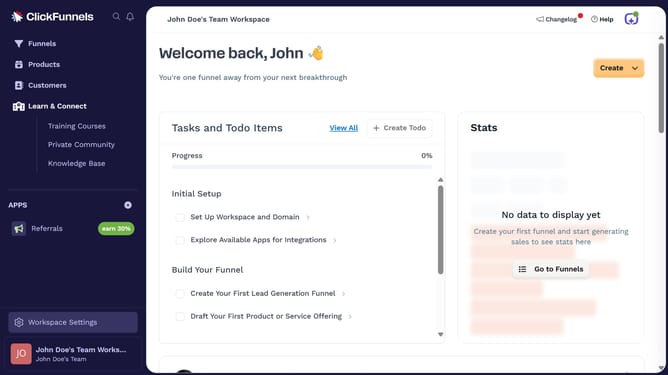
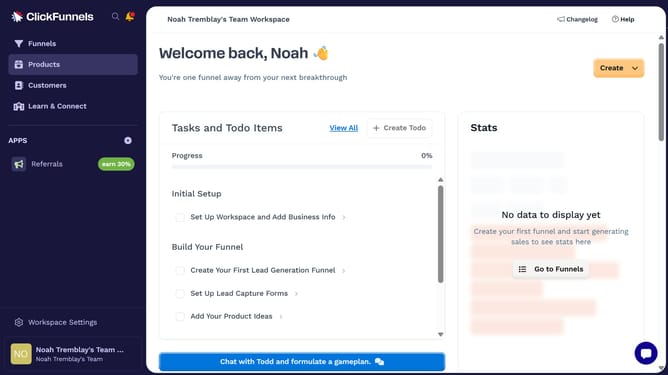
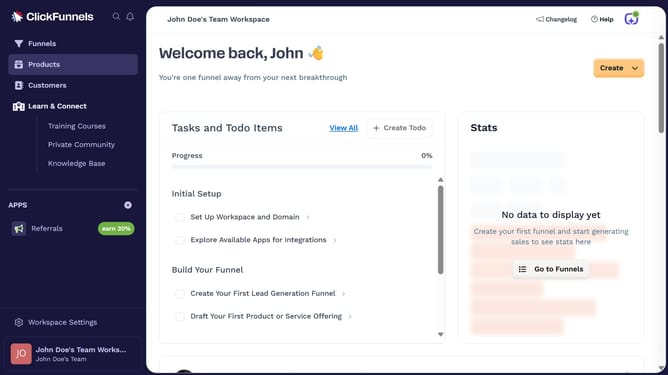
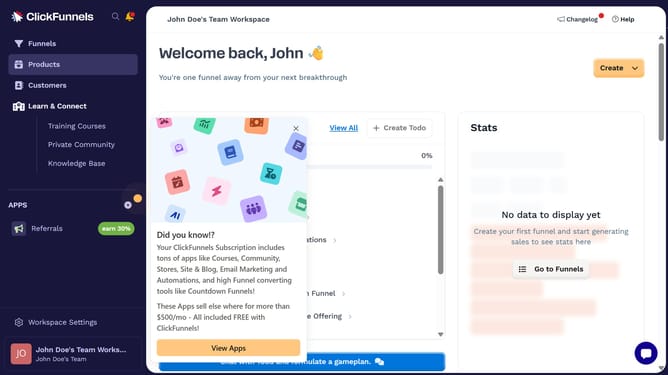
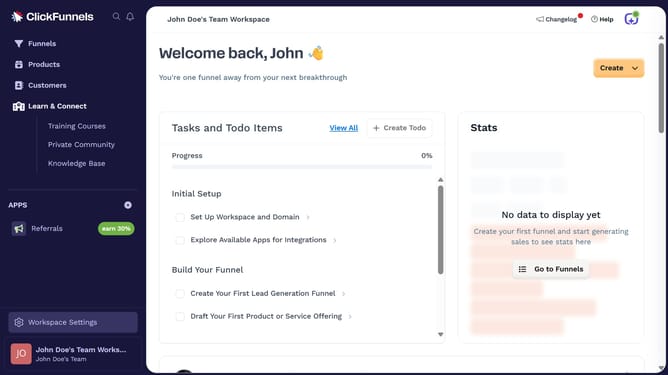
- First click on "Products" in the left sidebar navigation menu
- Then click on "All Products" in the expanded Products submenu
- Next select the product you want to edit
- Then click on "Remove Image" button in the Images section
- Finally click on "Update Product" button in the top right corner of the page
Why should you remove an image from a product in ClickFunnels
ClickFunnels is a powerful online sales and marketing platform designed to effortlessly build and optimize sales funnels.
Removing an image from a product in ClickFunnels is a simple, intuitive process that enhances your creative control over your sales page design. With this feature, users can easily tailor product presentations to best fit their brand's identity or update product imagery to keep content fresh and engaging.
This feature provides flexibility, ensuring you can quickly adjust your marketing strategies without the hassle, resulting in more dynamic and appealing customer interactions.
Last update