How to set a product to show in the online store in ClickFunnels
Here is how to set a product to show in the online store in clickfunnels
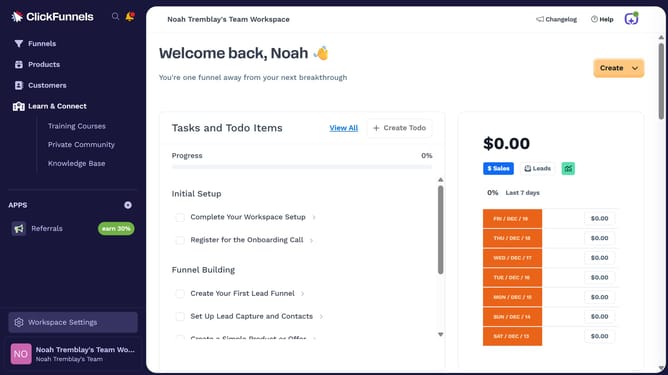
- First click on "Products" in the left sidebar menu
- Then click on "All Products" submenu item in the left sidebar
- Next select the product you want to show in the online store
- Then toggle on the "Online Store" visibility switch in the Sales Channel Visibility section
- Finally click on "Update Product" button in the top right corner
Why should you set a product to show in the online store in ClickFunnels
ClickFunnels is a powerful platform designed to simplify the process of building sales funnels online.
Setting a product to show in your online store with ClickFunnels streamlines your e-commerce operations, enabling users to quickly showcase their products to potential customers. By using this feature, businesses can enhance their online presence, efficiently manage product displays, and improve customer interaction.
Beyond just listing a product, ClickFunnels' intuitive interface allows for easy customization, helping businesses tailor their storefront to align with brand identity and audience preferences, ultimately driving sales and growth.
Last update