How to integrate Copper with ClickFunnels
Here is how to integrate copper with clickfunnels
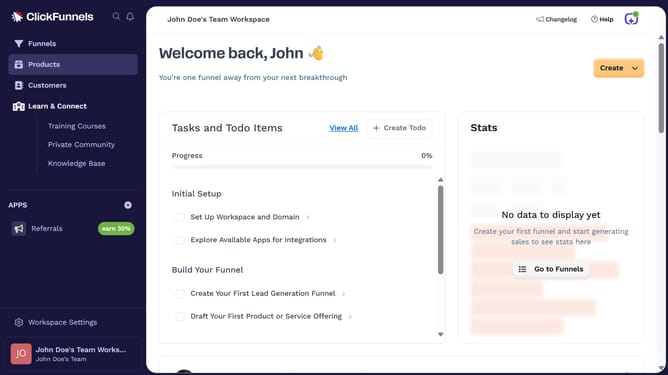
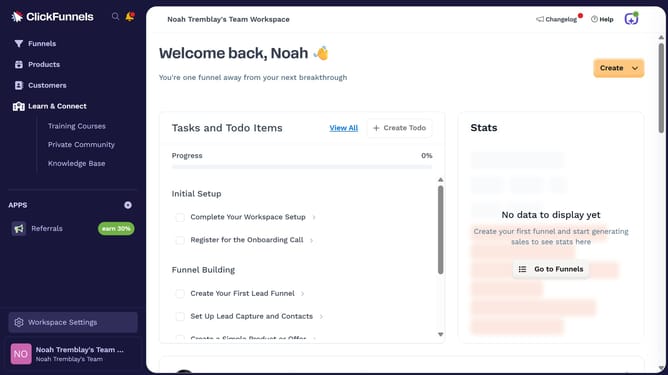
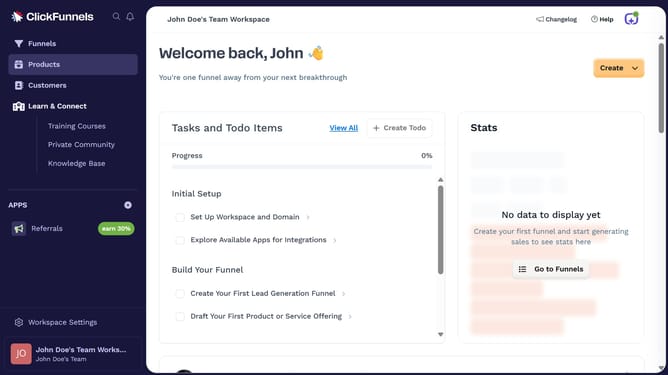
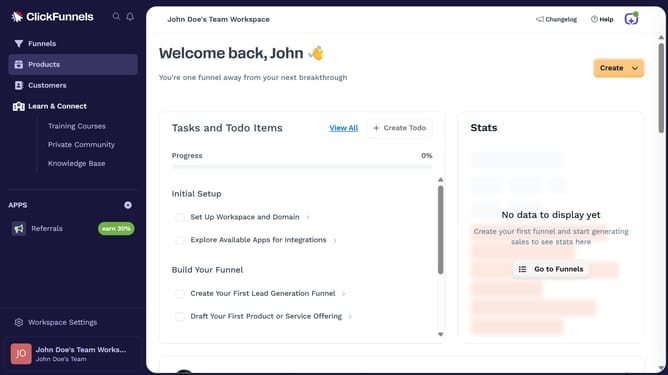
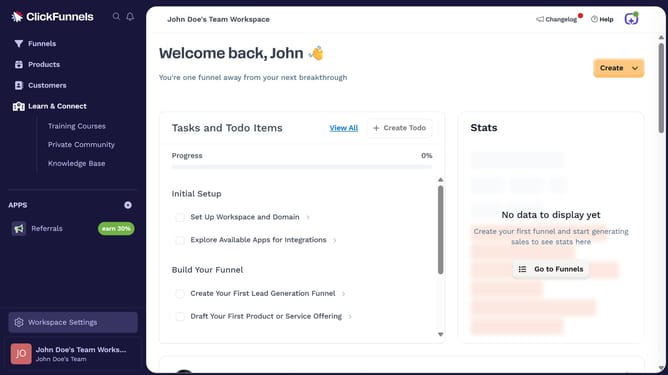
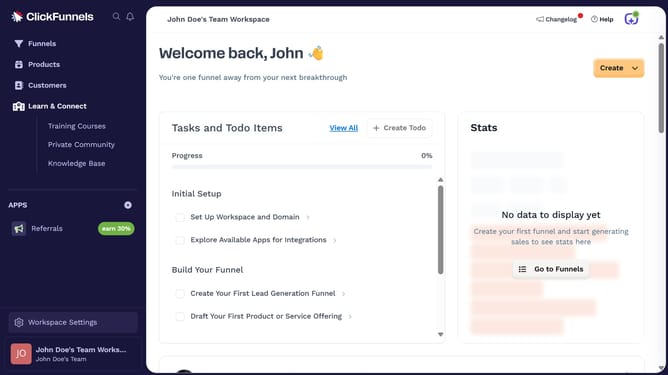
- First click on "Workspace Settings" button in the left sidebar
- Then click on "Integrations" menu item in the left sidebar under Workspace Settings
- Next click on "Copper" integration card from the list of available integrations
- Finally sign in using your Copper account name or Google account in the connection form, then click "Next" to complete the integration
Why should you integrate Copper with ClickFunnels
ClickFunnels is a powerful platform designed to streamline the creation of sales funnels for businesses aiming to optimize conversions.
Integrating Copper, a customer relationship management (CRM) tool, with ClickFunnels offers a seamless way to manage and nurture leads more effectively.
This integration allows for automatic syncing of customer data, leading to enhanced customer engagement and targeted marketing efforts.
By connecting these tools, businesses can enjoy a unified experience that boosts productivity and drives sales success.
Last update