How to integrate Help Scout with ClickFunnels
Here is how to integrate help scout with clickfunnels
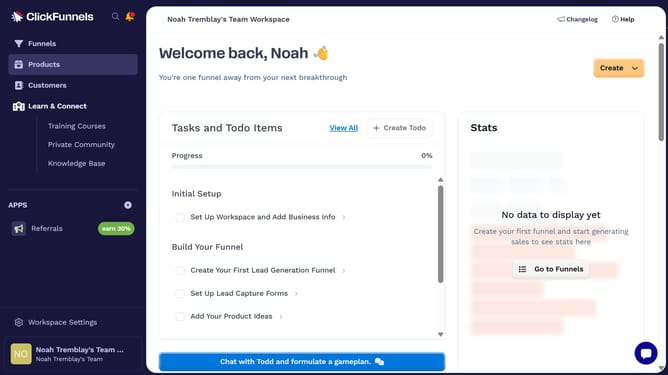
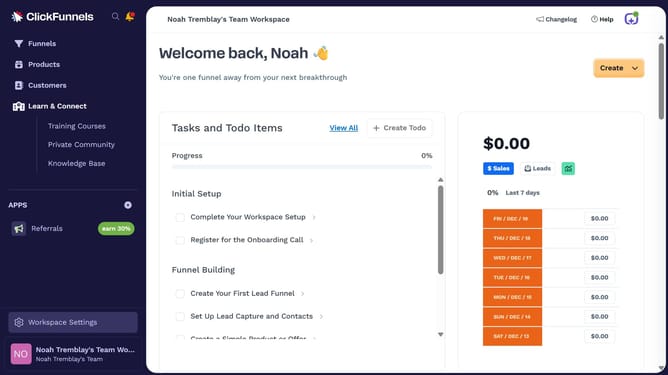
- First click on "Workspace Settings" button in the left sidebar
- Then click on "Integrations" menu item in the left sidebar under Workspace Settings
- Next click on the "Help Scout" integration card in the main content area
- Finally sign in using your email address and password or choose to sign in with Google in the connection form to complete the integration
Why should you integrate Help Scout with ClickFunnels
ClickFunnels is a powerful tool designed to streamline your online sales process with its intuitive funnel-building features.
Integrating Help Scout with ClickFunnels is a game-changer for businesses aiming to enhance customer service. This integration allows seamless communication between your sales and support teams, ensuring a smooth customer journey.
By utilizing these features, businesses can maintain better customer relationships, improve response times, and ultimately drive higher satisfaction rates.
Experience a unified system that fosters efficiency and growth for your business.
Last update