How to update a product image in ClickFunnels
Here is how to update a product image in clickfunnels
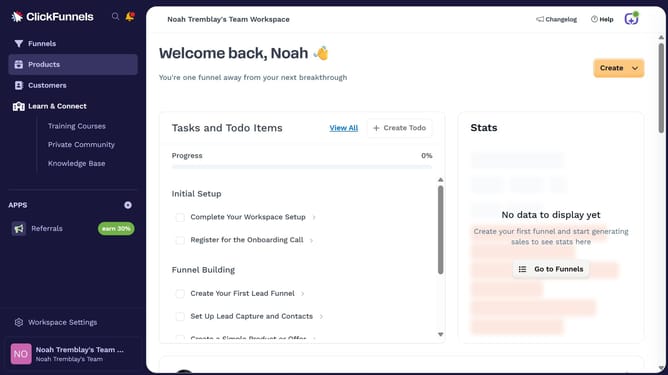
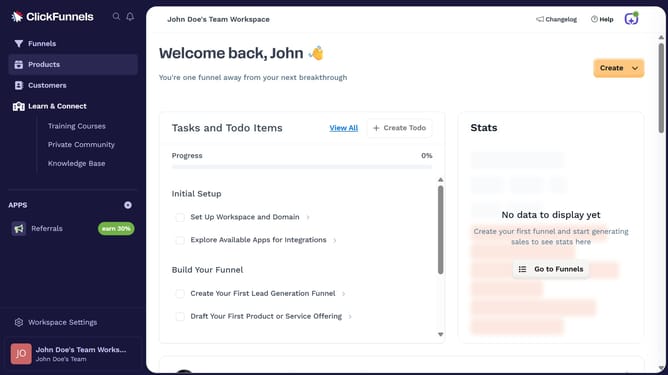
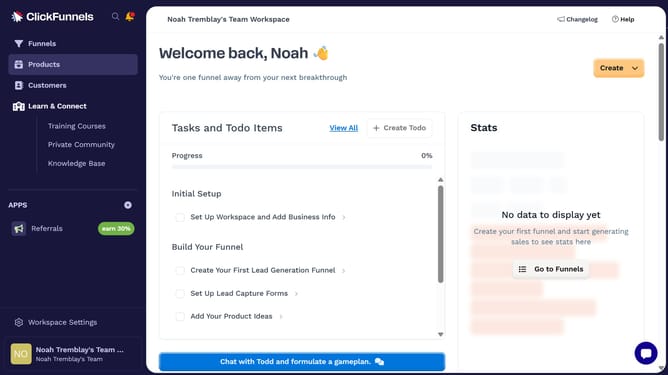
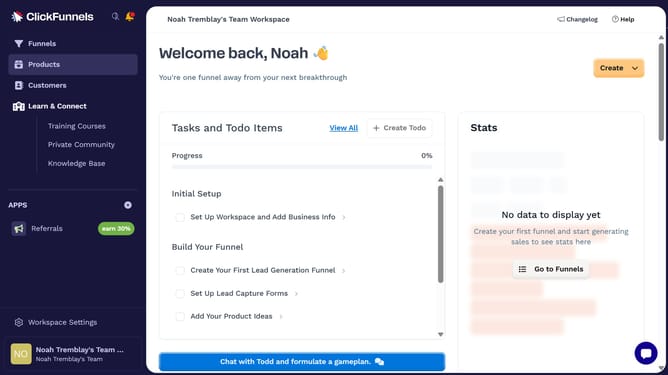
- First click on "Products" menu item in the left sidebar
- Then click on "All Products" submenu item under Products section
- Next select the product you want to update
- Then click on "Add Images" button in the Images section
- Then click on an image thumbnail in the image gallery to select it
- Then click on "Select images" button at the bottom right of the image gallery modal
- Finally click on "Update Product" button in the top right corner of the page
Why should you update a product image in ClickFunnels
ClickFunnels is a powerful tool designed to simplify the sales funnel creation process for online businesses.
Updating a product image in ClickFunnels is a straightforward feature, allowing users to keep their visual content fresh and appealing.
This feature ensures that your marketing visuals accurately reflect your products, improving customer engagement and trust.
By easily updating product images, you maintain consistency across your sales funnel, boosting overall conversion rates.
Last update