How to mark a product as non-shippable in ClickFunnels
Here is how to mark a product as non-shippable in clickfunnels
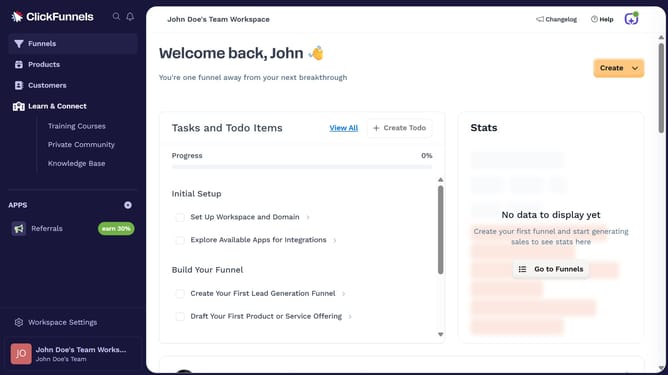
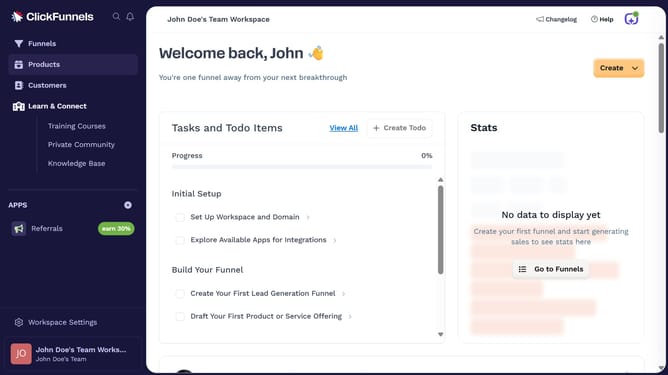
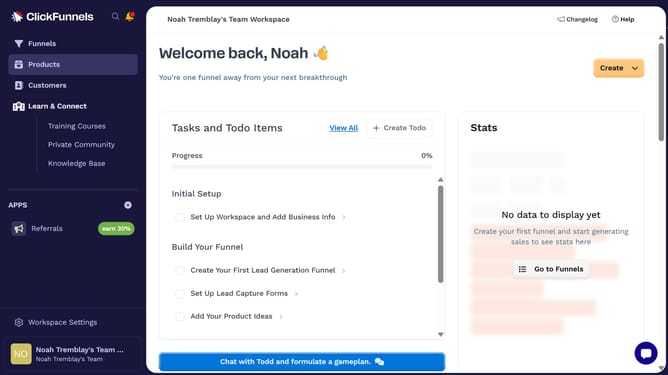
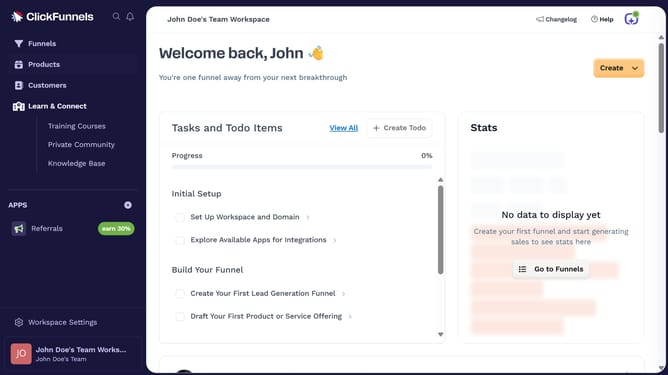
- First click on "Products" in the sidebar navigation menu
- Then click on "All Products" in the expanded Products submenu
- Next select the product you want to mark as non-shippable
- Then scroll to the Shipping section and uncheck the box that marks it as a physical product
- Finally click on "Update Product" button at the bottom right of the page
Why should you mark a product as non-shippable in ClickFunnels
ClickFunnels is a versatile platform designed to simplify the process of building sales funnels for businesses of any size.
Within ClickFunnels, marking a product as non-shippable is a valuable feature for digital sellers. This function allows businesses to efficiently manage products that don't require physical delivery, such as online courses or digital downloads.
Implementing the non-shippable feature streamlines inventory management, eliminates potential shipping errors, and enhances the customer's purchasing experience by setting clear expectations.
By leveraging this feature, businesses can optimize operational efficiency and focus on delivering value to customers instantly.
Last update