How to disconnect AddEvent from ClickFunnels
Here is how to disconnect addevent from clickfunnels
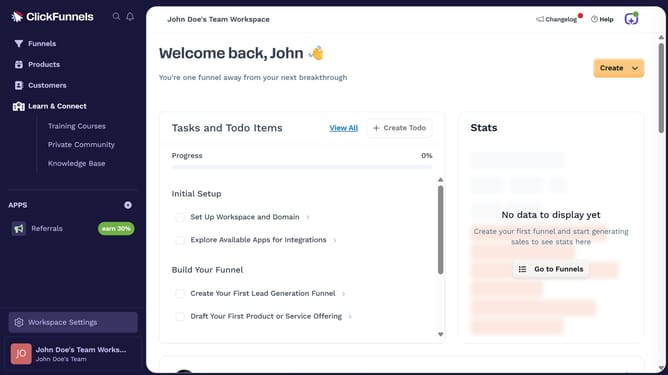
- First click on "Workspace Settings" link in the left sidebar
- Then click on "Integrations" menu item in the left sidebar under Workspace Settings
- Next click on the "AddEvent" integration card to view its details
- Then click on the "AddEvent Account" dropdown menu to view connected accounts
- Next click on the delete/trash icon button next to the account in the dropdown
- Finally click on the "Disconnect" button in the confirmation dialog to confirm disconnecting the account
Why should you disconnect AddEvent from ClickFunnels
ClickFunnels is a powerful digital tool designed to simplify the process of creating sales funnels and automating the marketing journey.
Disconnecting AddEvent from ClickFunnels can enhance your user experience by maintaining a streamlined interface and reducing unnecessary clutter.
This can lead to better organization and improved focus on the core features that contribute directly to your sales strategies.
By managing integrations efficiently, you can ensure that you're always maximizing the utility of ClickFunnels while keeping it aligned with your specific marketing goals.
Last update