How to show the Opt-ins column in ClickFunnels
Here is how to show the opt-ins column in clickfunnels
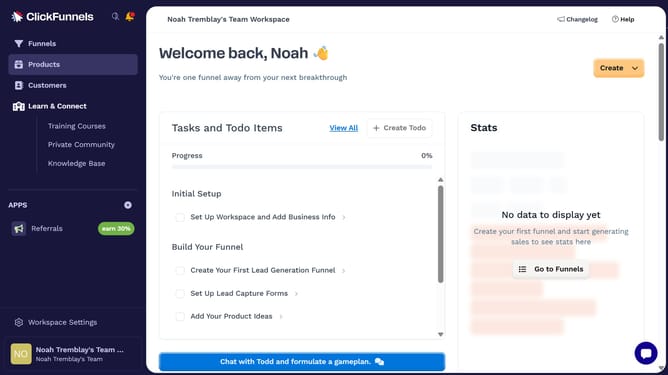
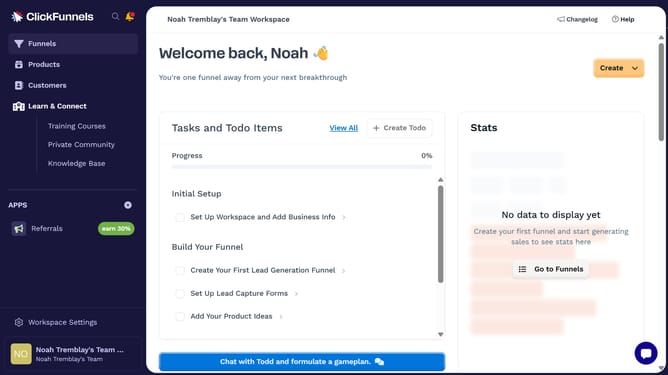
- First click on the "Funnels" option in the left sidebar navigation menu
- Then click on the "Modify columns" button located in the top-right corner of the funnels list view
- Finally select the "Opt-ins" checkbox from the columns configuration dropdown menu
Why should you show the Opt-ins column in ClickFunnels
ClickFunnels is a powerful tool designed for creating high-converting sales funnels with ease.
The Opt-ins column in ClickFunnels allows you to efficiently track the number of leads your funnels are generating. This feature provides insights that are crucial for understanding audience engagement and optimizing your marketing strategies.
Having visibility into your opt-ins helps you identify what's working effectively and where improvements can be made, which ultimately leads to maximizing conversion rates and achieving better business outcomes.
Last update