How to integrate Campaign Refinery with ClickFunnels
Here is how to integrate campaign refinery with clickfunnels
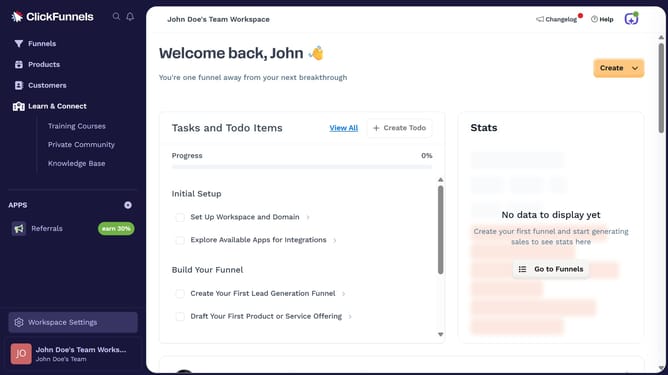
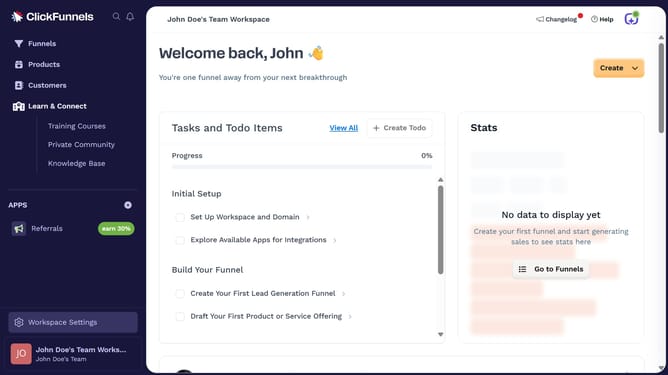
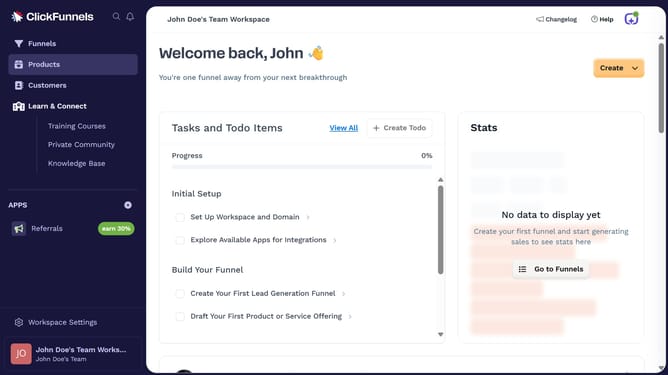
- First click on "Workspace Settings" button in the left sidebar
- Then click on "Integrations" menu item in the left sidebar
- Next click on "Campaign Refinery" integration card in the main content area
- Finally enter your Campaign Refinery API key in the connection form and click on "Proceed" to complete the integration
Why should you integrate Campaign Refinery with ClickFunnels
ClickFunnels is an all-in-one sales funnel builder that helps businesses convert website visitors into customers.
Integrating Campaign Refinery with ClickFunnels enhances your marketing automation by streamlining communication processes and optimizing lead nurturing.
By combining these tools, you ensure seamless data flow between your sales funnels and email marketing campaigns, maximizing engagement and conversions.
This dynamic duo provides invaluable insights and efficiencies, driving growth and improving customer interactions.
Last update