How to bulk archive products in ClickFunnels
Here is how to bulk archive products in clickfunnels
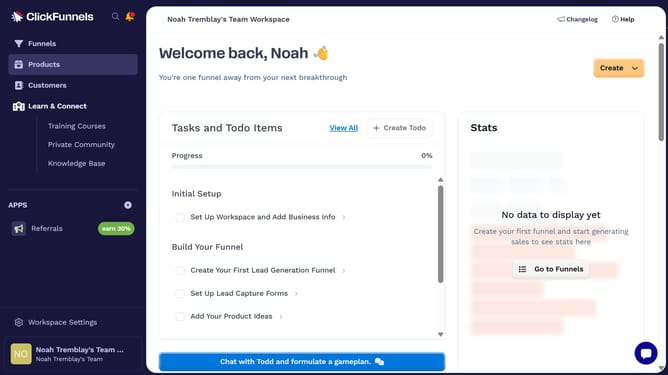
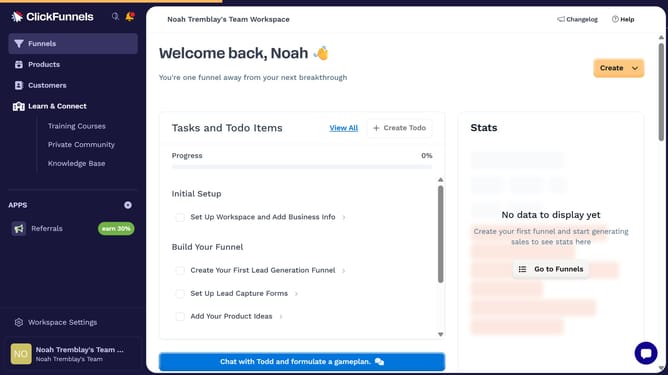
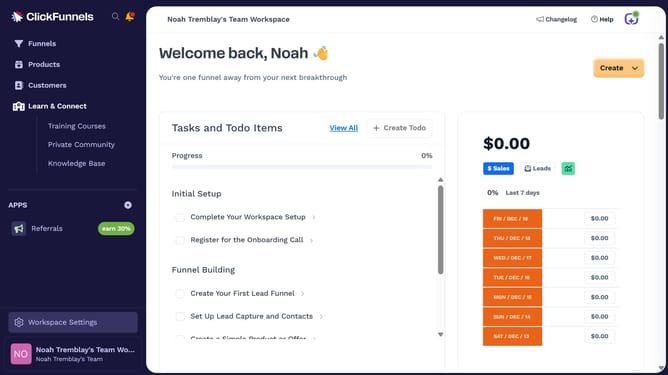
- First click on "Products" in the left sidebar navigation menu
- Then click on "All Products" submenu item under the Products section
- Then check the boxes beside the products you want to archive
- Then click on "Bulk actions" dropdown button to view available bulk operations
- Next click on "Archive Selected" option from the bulk actions dropdown menu
- Finally click on "Confirm Archive" button in the confirmation dialog to complete the archiving process
Why should you bulk archive products in ClickFunnels
ClickFunnels is a dynamic platform designed to streamline online sales and marketing funnels.
One of its key features is the ability to bulk archive products, which significantly eases product management.
This feature allows users to efficiently organize their product listings by archiving multiple items at once rather than individually.
By utilizing bulk archiving, businesses can maintain a decluttered product database, enhancing focus on active and relevant listings.
The result is a more organized, time-saving, and user-friendly experience for managing inventory.
Last update