How to show the Name column in ClickFunnels
Here is how to show the name column in clickfunnels
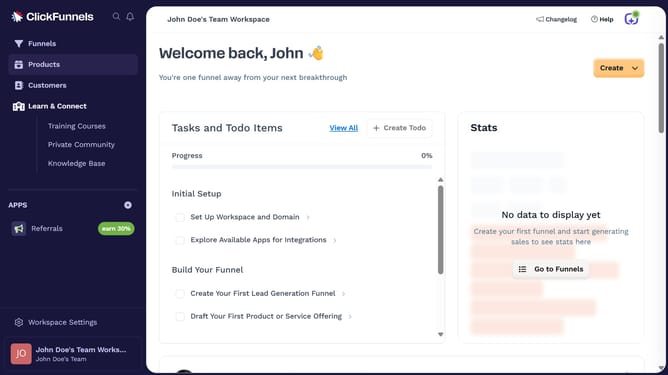
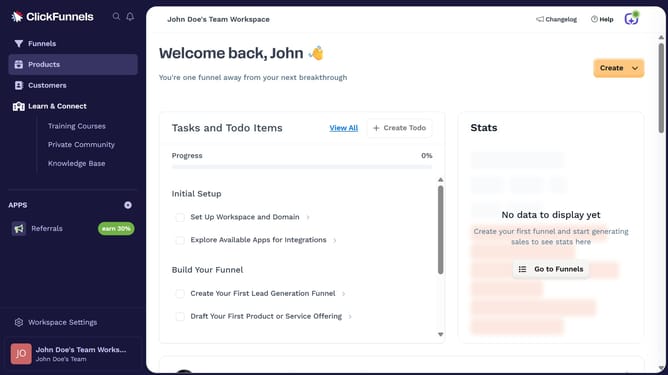
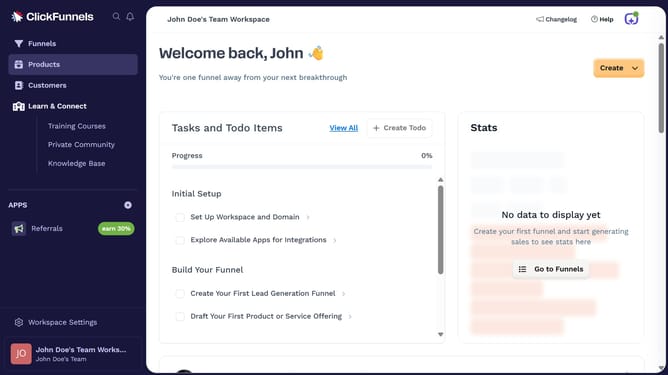
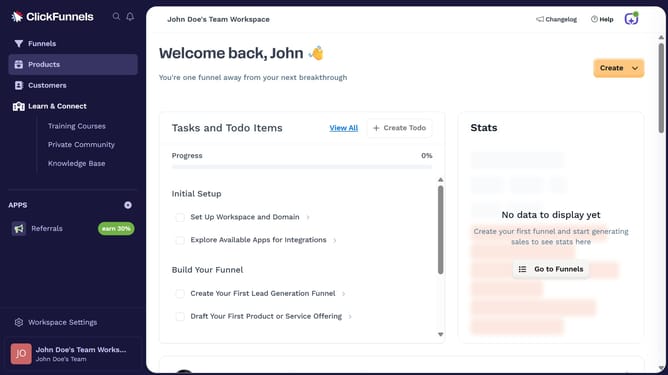
- First click on the "Funnels" option in the left sidebar navigation menu
- Then click on the "Modify columns" button in the top-right corner of the funnels table
- Finally select "Name" checkbox from the columns configuration dropdown menu
Why should you show the Name column in ClickFunnels
ClickFunnels is a versatile tool designed to simplify the process of creating marketing funnels for businesses.
Displaying the Name column in ClickFunnels offers users a clearer overview of their customer data, making it easier to track and manage contacts effectively.
Utilizing the Name column enhances organization, allowing for quick identification and personalization of client interactions, which ultimately strengthens customer relationships.
Integrating this feature ensures seamless operations and boosts productivity, vital for optimizing your marketing efforts.
Last update