How to disconnect FreshBooks from ClickFunnels
Here is how to disconnect freshbooks from clickfunnels
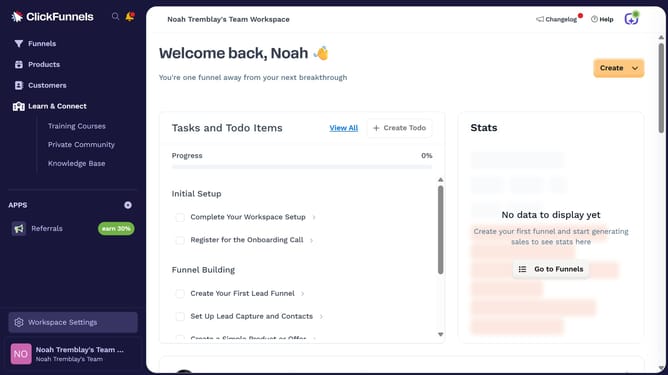
- First click on "Workspace Settings" link in the left sidebar
- Then click on "Integrations" menu item in the left sidebar
- Then click on "FreshBooks" integration card in the main content area
- Then click on the dropdown menu button next to the FreshBooks account email
- Then click on the delete/remove icon button in the account dropdown menu
- Finally click on "Disconnect" button in the confirmation dialog
Why should you disconnect FreshBooks from ClickFunnels
ClickFunnels is a dynamic online platform designed to simplify sales funnel creation for businesses.
Disconnecting FreshBooks from ClickFunnels allows users to streamline their workflow by eliminating unwanted integrations that may no longer serve their strategic goals.
By separating these tools, you gain clearer insights and focus within each application, enhancing their individual functionalities.
This approach not only optimizes business operations but also encourages more efficient resource management and precision in your business strategies.
Last update