How to bulk export products in ClickFunnels
Here is how to bulk export products in clickfunnels
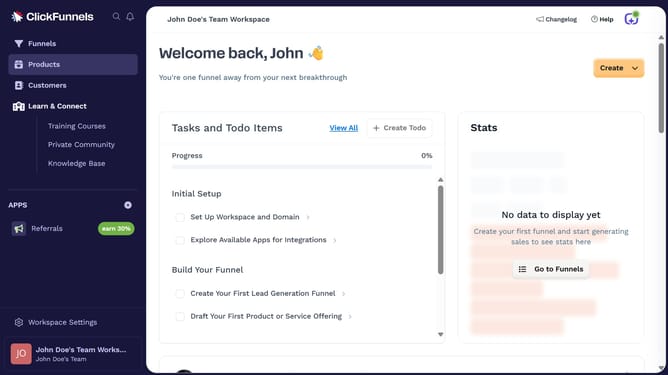
- First click on "Products" in the left sidebar to expand the products menu
- Then click on "All Products" submenu item in the left sidebar
- Then check the boxes beside the products you want to export
- Then click on "Bulk actions" dropdown button to open the bulk actions menu
- Then click on "Export" option from the bulk actions dropdown menu
- Then click on "Export Products" button in the export modal dialog
- The export was successfully completed as shown by the success notification message
Why should you bulk export products in ClickFunnels
ClickFunnels is a powerful marketing tool designed to streamline and enhance sales processes through seamless funnel creation.
The bulk export products feature in ClickFunnels allows users to save time by transferring multiple product listings efficiently.
This feature is perfect for businesses looking to manage large inventories or make quick updates.
By optimizing the way you handle products, it strengthens inventory management, ensuring your sales funnel remains robust and responsive to market trends.
Last update