How to hide the Orders column in ClickFunnels
Here is how to hide the orders column in clickfunnels
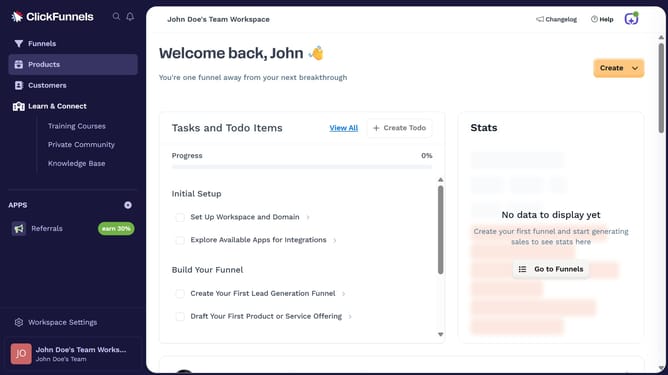
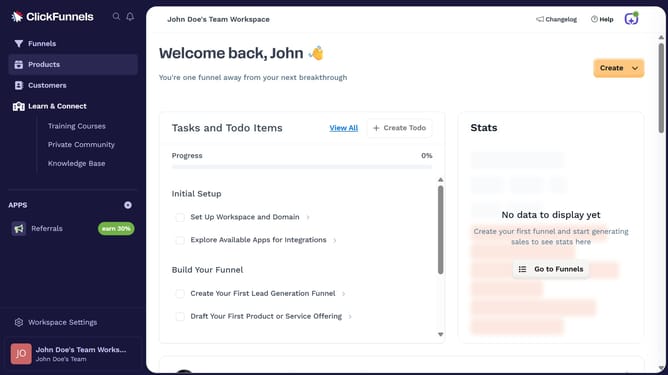
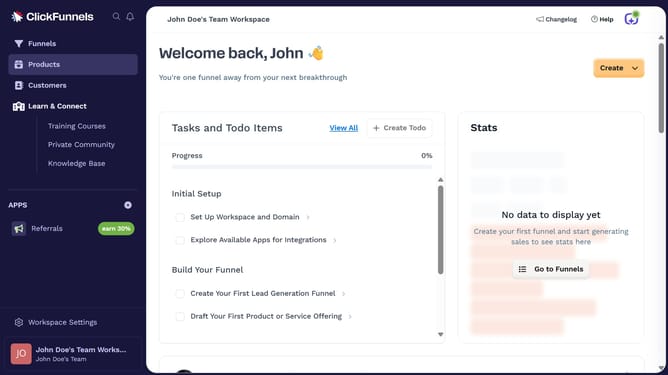
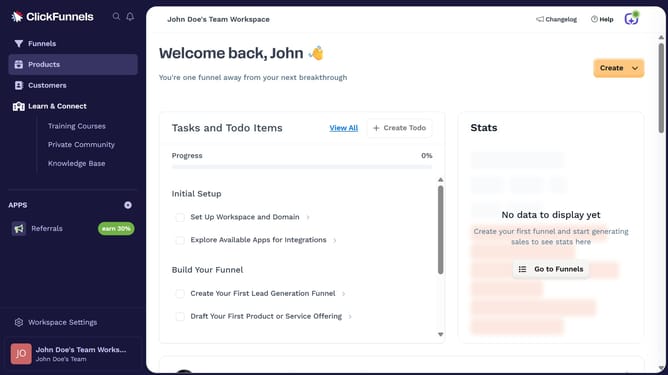
- First click on the "Funnels" option in the left sidebar navigation
- Then click on the "Modify columns" button in the top right of the funnel list view
- Finally uncheck the "Orders" checkbox from the columns configuration menu
Why should you hide the Orders column in ClickFunnels
ClickFunnels is a powerful online sales funnel builder designed to simplify marketing for businesses of all sizes.
The ability to hide the Orders column is a valuable feature within ClickFunnels, particularly for those who prefer to focus on other metrics.
Using this feature allows for a cleaner, more focused data presentation, helping you concentrate on areas that matter most for your strategic goals.
By streamlining your dashboard, you can enhance productivity, reduce clutter, and maintain efficient workflow management.
Last update