How to hide a product from the customer center in ClickFunnels
Here is how to hide a product from the customer center in clickfunnels
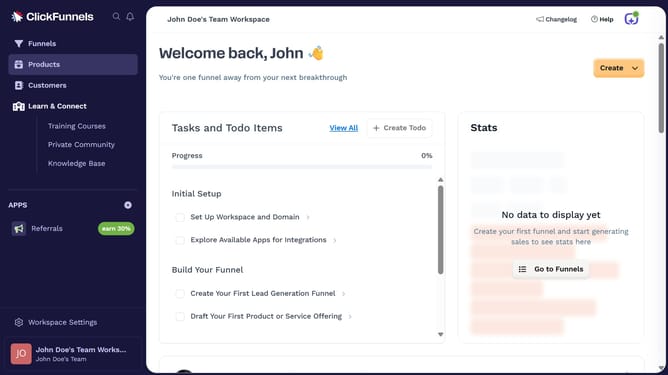
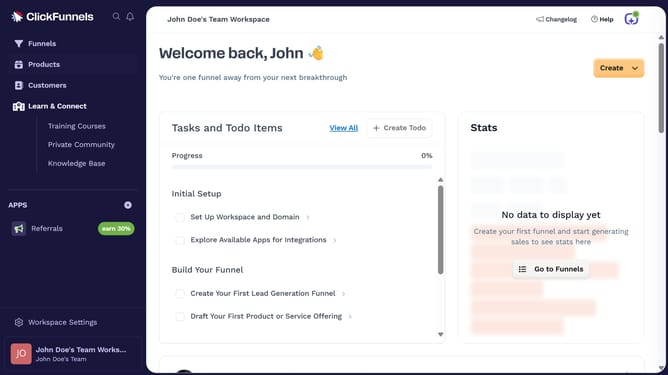
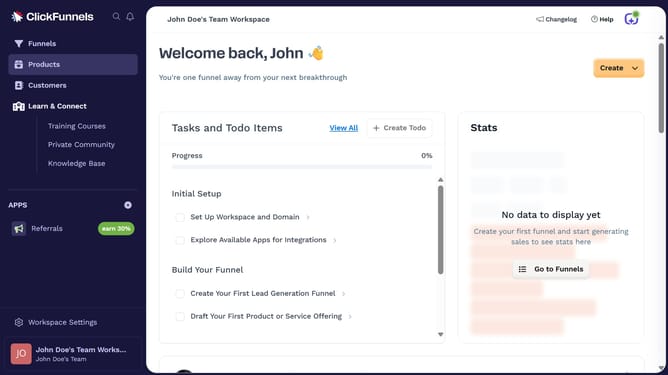
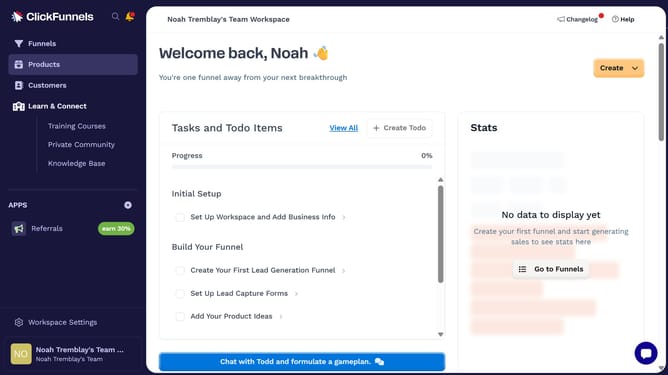
- First click on "Products" in the left sidebar menu
- Then click on "All Products" in the expanded Products submenu
- Next select the product you want to hide from the customer center
- Then toggle off the "Customer Center" visibility switch in the Sales Channel Visibility section
- Finally click on "Update Product" button in the top right corner
Why should you hide a product from the customer center in ClickFunnels
ClickFunnels is a powerful tool designed to simplify the sales funnel creation process for entrepreneurs and businesses.
A handy feature available in ClickFunnels is the ability to hide a product from the customer center, providing you the flexibility to manage customer visibility strategically.
This is particularly beneficial when you want to streamline the offerings your customers see or manage the availability of certain products without removing them entirely.
By using this feature, you can maintain a clean user interface in the customer center, enhancing customer experience and focusing their attention on key products.
Last update