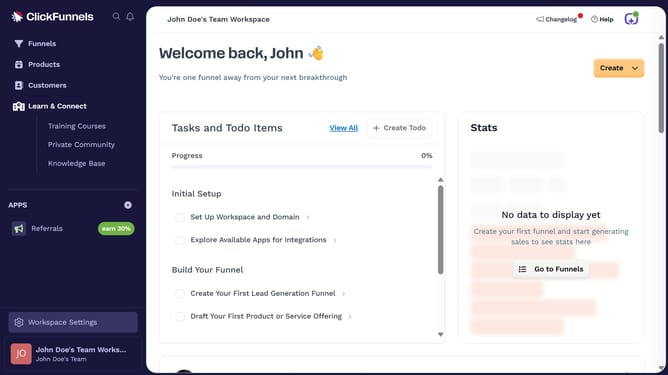
How to set a product as a payment plan in ClickFunnels
Here is how to set a product as a payment plan in clickfunnels
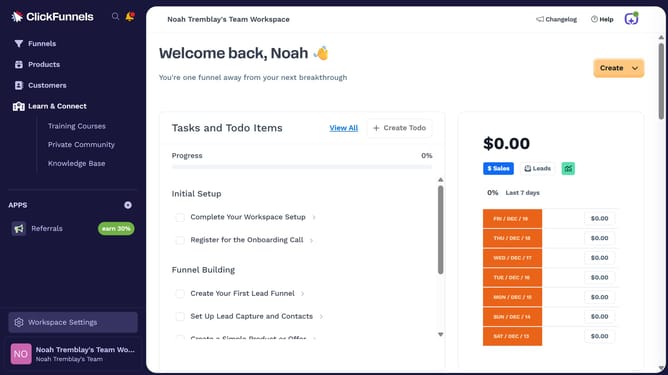
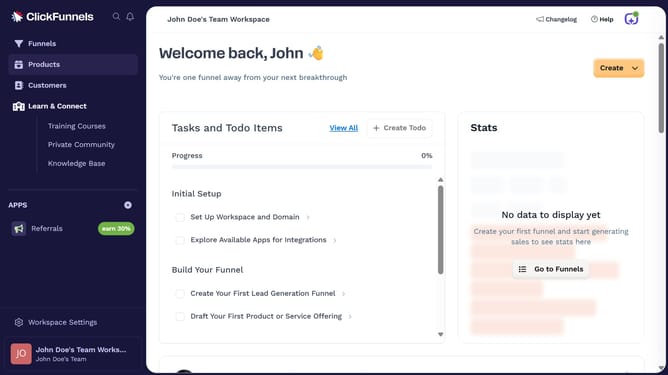
- First click on the "Products" menu item in the left sidebar
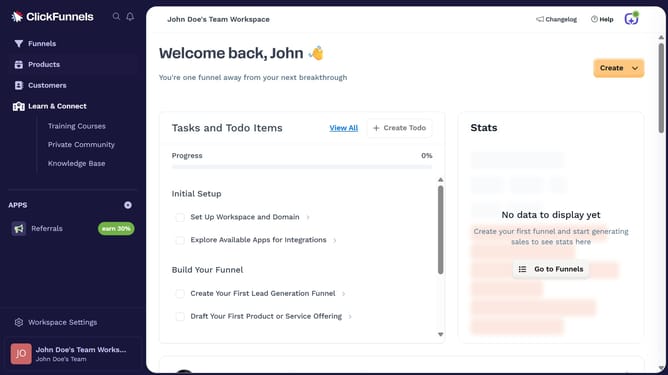
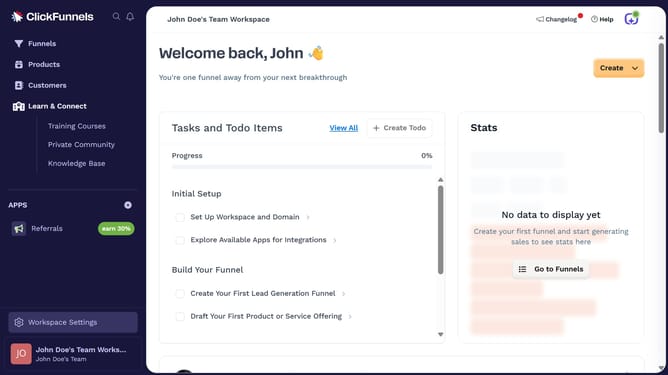
- Then click on the "All Products" submenu item in the left sidebar
- Next select the product you want to set as a payment plan
- Then click on the "Add Price" button in the Pricing section
- Then click on the "Payment plan" tab in the Add price modal
- Then click on the "Amount per payment" input field and enter the payment amount
- Then click on the "Amount of payments" input field and enter the number of payments
- Finally click on the "Save" button to save the payment plan configuration
Why should you set a product as a payment plan in ClickFunnels
ClickFunnels is an intuitive platform designed to simplify the creation of effective sales funnels for businesses of any size.
One of its invaluable features is the ability to set a product as a payment plan, making flexible billing options accessible to your customers.
This feature promotes increased customer retention by spreading payments, making your products more appealing to a broader audience.
Implementing a payment plan fosters trust, encourages higher conversion rates, and provides a seamless user experience, aligning perfectly with your strategic sales goals.
Last update