How to integrate LeadSquared with ClickFunnels
Here is how to integrate leadsquared with clickfunnels
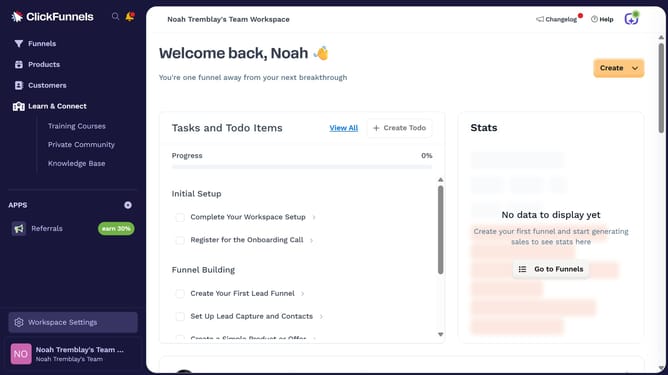
- First click on "Workspace Settings" link in the left sidebar
- Then click on "Integrations" menu item in the left sidebar under Workspace Settings
- Next click on the "LeadSquared" integration card in the main content area
- Finally enter your LeadSquared API key and API secret in the connection form, then click "Proceed" to complete the integration
Why should you integrate LeadSquared with ClickFunnels
ClickFunnels is a powerful tool designed to simplify the process of building sales funnels for online businesses.
Integrating LeadSquared with ClickFunnels enhances your marketing strategy by seamlessly combining the robust lead management capabilities of LeadSquared with the conversion-focused features of ClickFunnels.
This integration ensures a smooth transition from capturing leads to nurturing them, optimizing engagement and conversion rates.
By combining these platforms, businesses can efficiently track conversions, improve lead quality, and streamline their sales processes.
Last update