How to integrate Zendesk Sell with ClickFunnels
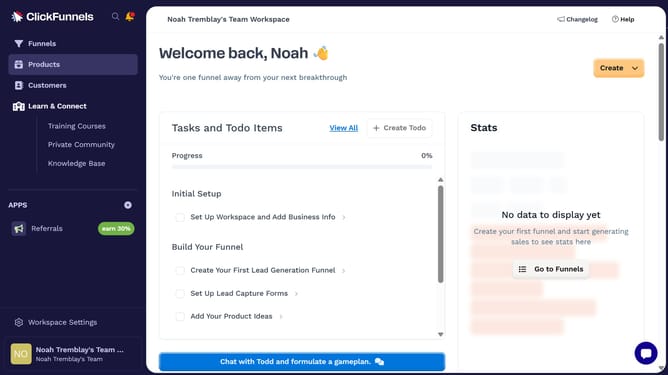
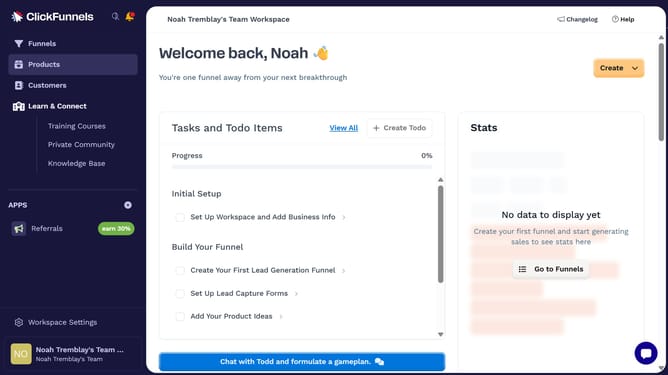
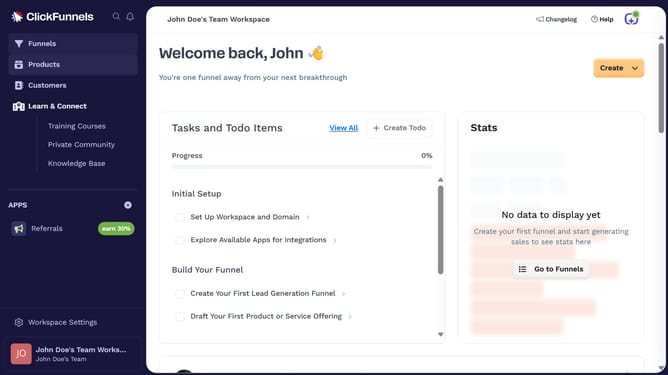
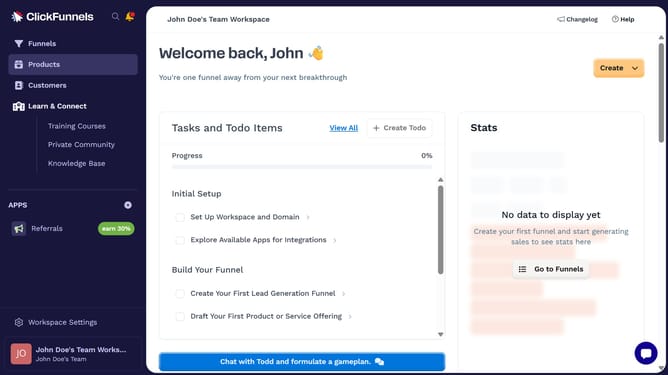
Here is how to integrate zendesk sell with clickfunnels
- First click on "Workspace Settings" in the left sidebar
- Then click on "Integrations" in the left sidebar menu
- Next click on the "Zendesk Sell" integration card
- Finally enter your Zendesk Sell API key in the connection form, then click "Proceed" to complete the integration
Why should you integrate Zendesk Sell with ClickFunnels
ClickFunnels is a powerful online sales funnel builder designed to simplify the process of marketing and selling products.
Integrating Zendesk Sell with ClickFunnels creates a seamless connection between your customer interactions and sales strategy. This integration enhances lead management by automatically syncing contacts and sales data, reducing manual entry and potential errors.
Using Zendesk Sell with ClickFunnels streamlines workflows, improves team efficiency, and ultimately increases conversion rates by aligning sales efforts with customer insights.
Last update