How to archive a product in ClickFunnels
Here is how to archive a product in clickfunnels
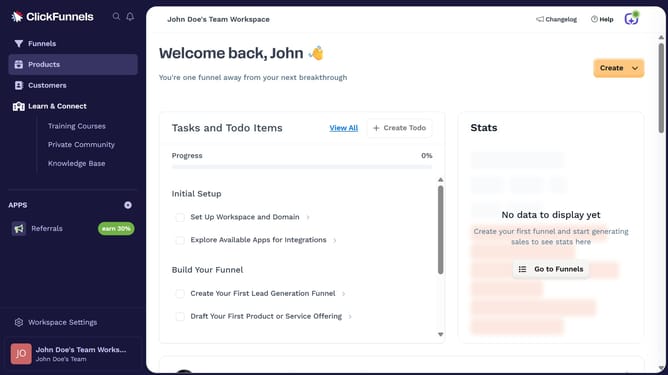
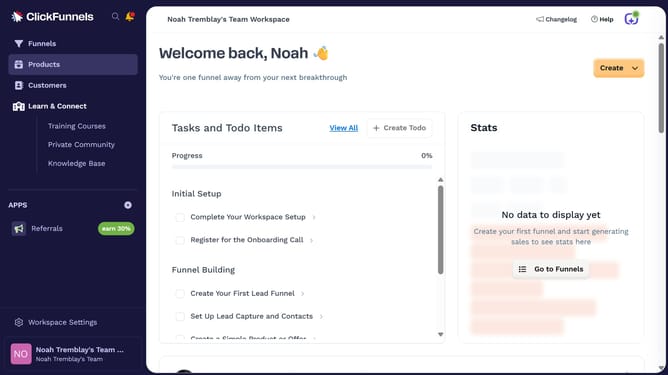
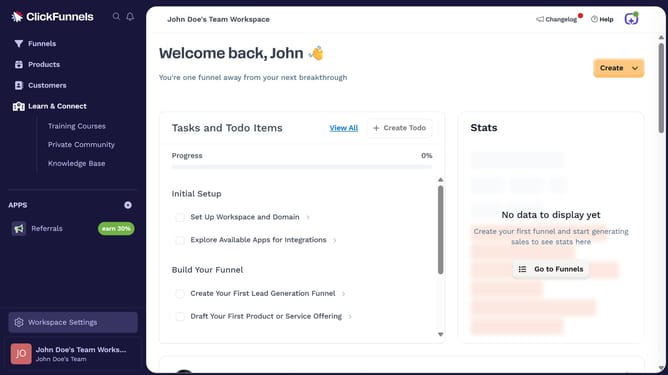
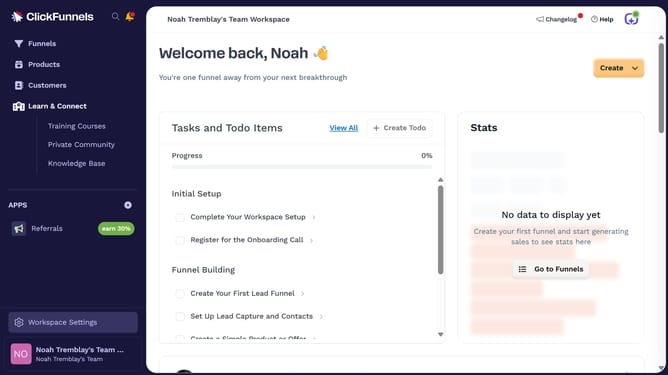
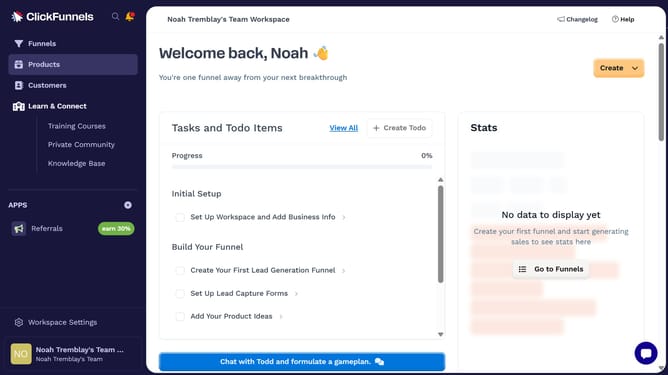
- First click on the "Products" item in the left sidebar menu
- Then click on "All Products" option in the Products submenu
- Next click the product you want to archive from the products list
- Then scroll down and click the "Archive Product" button at the bottom of the product settings page
- Finally click on "Confirm Archive" button in the confirmation dialog
Why should you archive a product in ClickFunnels
ClickFunnels is a robust platform designed to streamline the sales funnel process for businesses.
Archiving a product in ClickFunnels is a simple yet powerful feature that allows for effective management of inventory and customer offerings.
This feature ensures that your product list stays organized, removing outdated or unnecessary items while maintaining access to their details if needed.
Benefits include reduced clutter and focused offerings, enhancing customer navigation and engagement on your sales pages.
Last update