How to disconnect Calendly from ClickFunnels
Here is how to disconnect calendly from clickfunnels
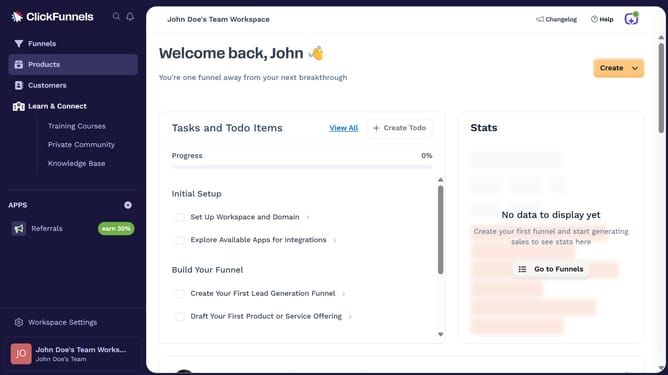
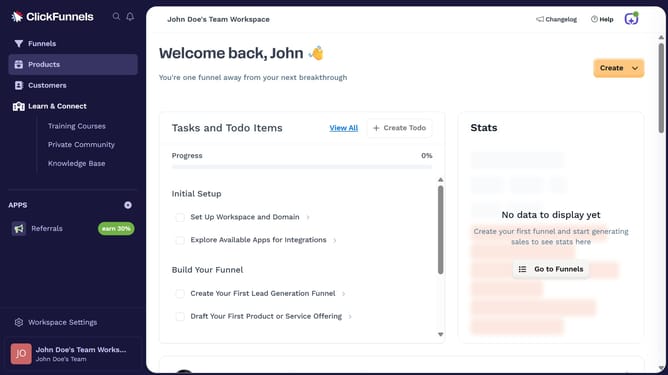
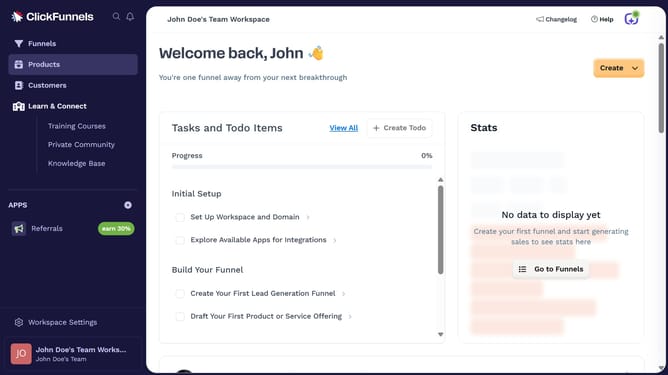
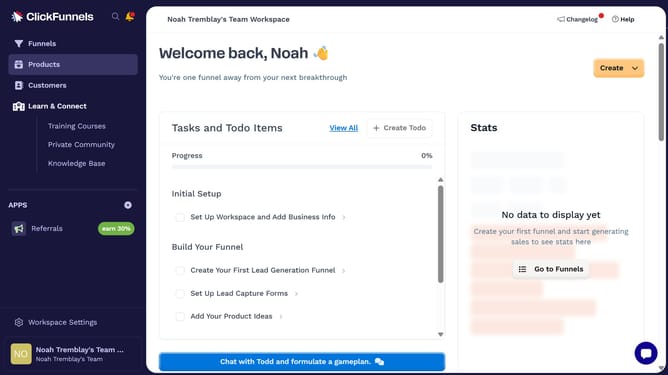
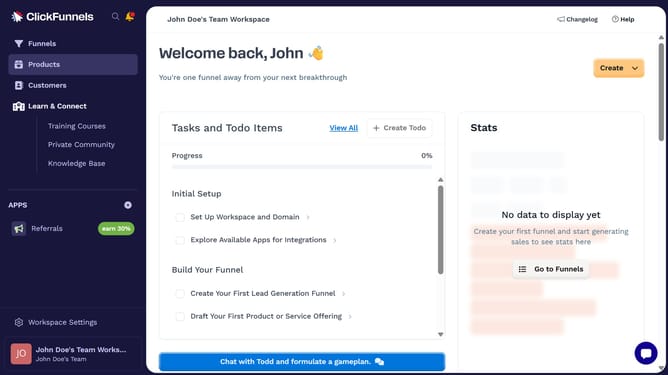
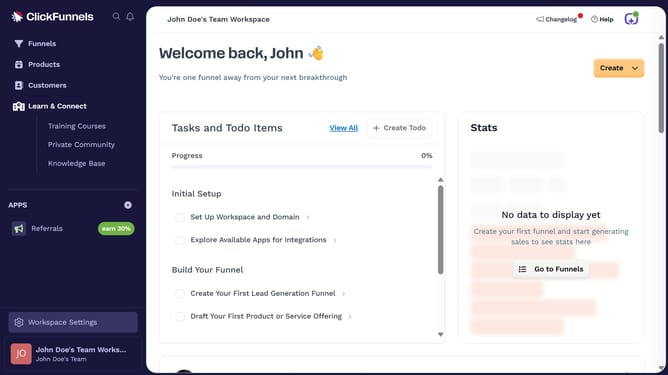
- First click on "Workspace Settings" button in the left sidebar
- Then click on "Integrations" menu item in the left sidebar
- Then click on the "Calendly" integration card in the main content area
- Then click on the dropdown menu button next to the Calendly Account field
- Then click on the delete/remove icon button next to the connected account
- Finally click on the "Disconnect" button in the confirmation dialog
Why should you disconnect Calendly from ClickFunnels
ClickFunnels is a dynamic platform designed to effortlessly build marketing funnels that convert visitors into leads and customers.
Disconnecting Calendly from ClickFunnels can streamline your scheduling and funnel management processes. By managing these tools separately, you gain more flexibility and control over each platform's functionalities.
This separation allows you to customize and optimize each tool according to your evolving business needs, enhancing efficiency and productivity in your operations.
Last update