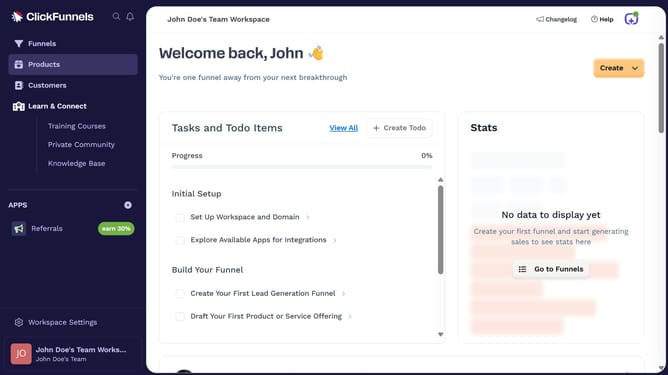
How to sort products by newest added in ClickFunnels
Here is how to sort products by newest added in clickfunnels
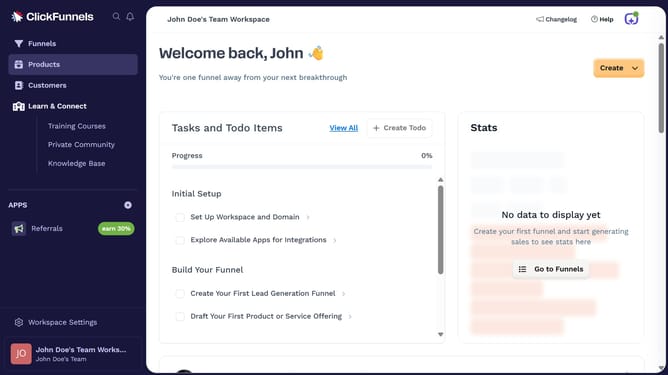
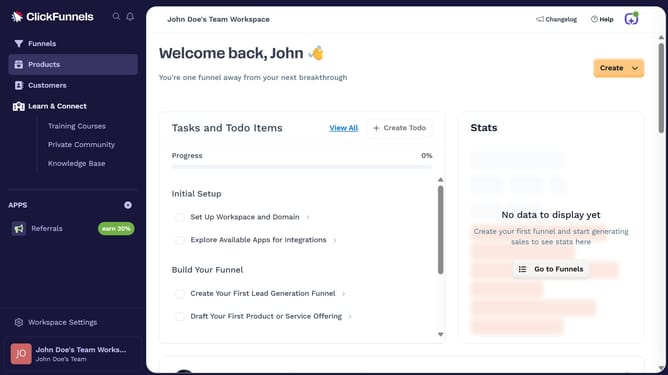
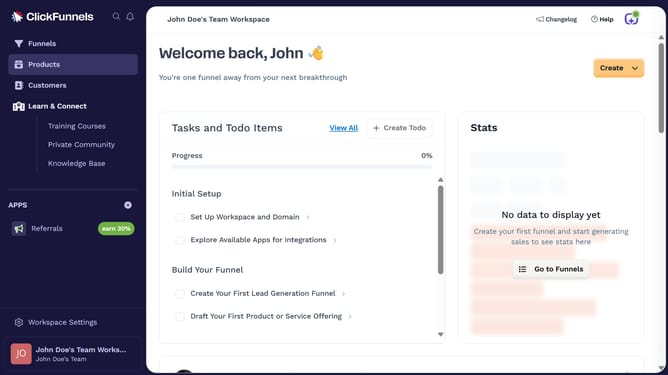
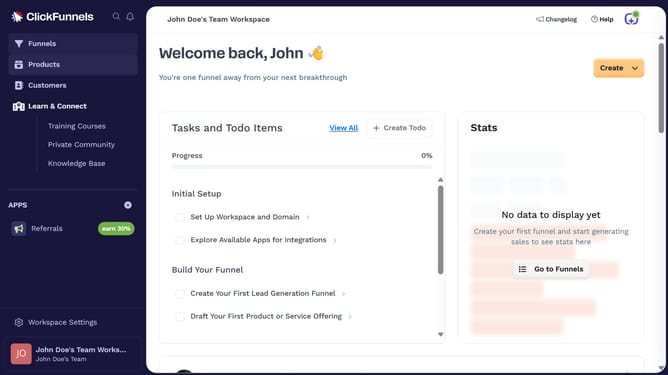
- First click on "Products" in the left sidebar menu
- Then click on "All Products" in the expanded Products submenu
- Next click on the "Sort by" dropdown button in the top right area of the products table
- Finally select "Added (newest first)" from the Sort by dropdown menu options
Why should you sort products by newest added in ClickFunnels
ClickFunnels is a powerful tool designed to help entrepreneurs easily build effective sales funnels to grow their businesses.
Sorting products by newest added in ClickFunnels is a valuable feature that keeps your offerings fresh and organized for your audience. This ensures that users can easily access the most up-to-date items available, enhancing their browsing experience.
By utilizing this feature, you can maintain a dynamic and engaging product inventory, which captures customer interest more effectively. The seamless sorting process helps in delivering the latest products upfront, thereby boosting engagement and potential sales.
Last update