How to integrate Freshworks CRM with ClickFunnels
Here is how to integrate freshworks crm with clickfunnels
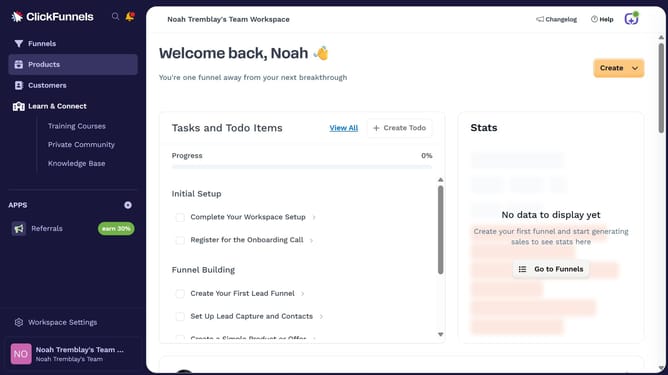
- First click on "Workspace Settings" link in the left sidebar
- Then click on "Integrations" link in the left sidebar menu
- Next click on "Freshworks CRM" integration card in the main content area
- Finally enter your Freshworks CRM URL and API key in the connection form, then click "Proceed" to complete the integration
Why should you integrate Freshworks CRM with ClickFunnels
ClickFunnels is an intuitive platform designed to streamline the creation of marketing funnels for online businesses.
Integrating Freshworks CRM with ClickFunnels empowers users to seamlessly manage customer relationships while enhancing the effectiveness of their sales funnels.
This integration ensures real-time data sync, which leads to more personalized interactions and improved customer engagement. As a result, businesses can foster stronger connections with their customers while optimizing their sales processes.
Last update