How to add an SEO title to a product in ClickFunnels
Here is how to add an seo title to a product in clickfunnels
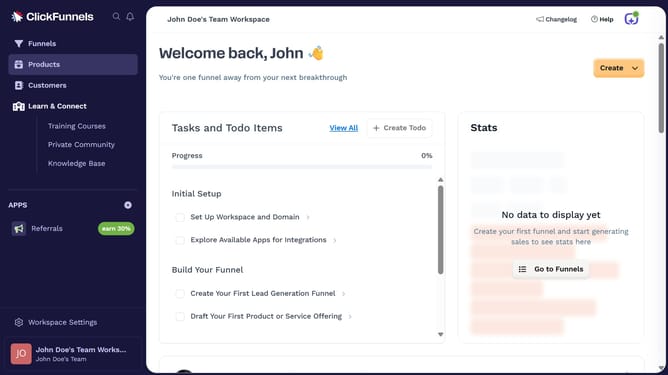
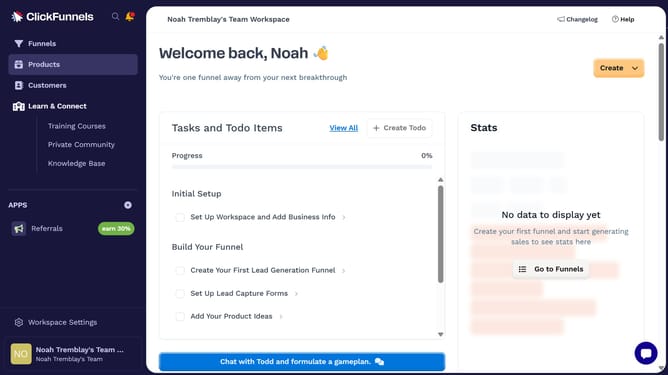
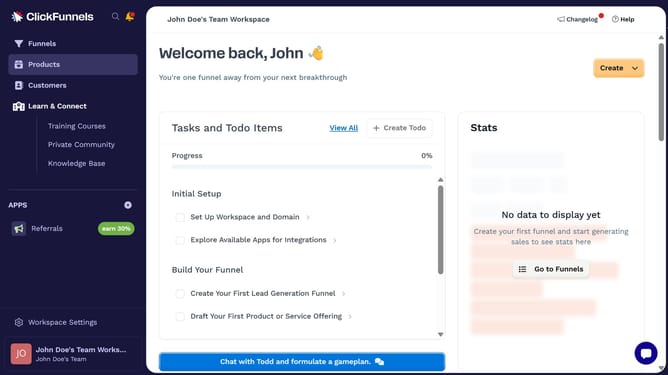
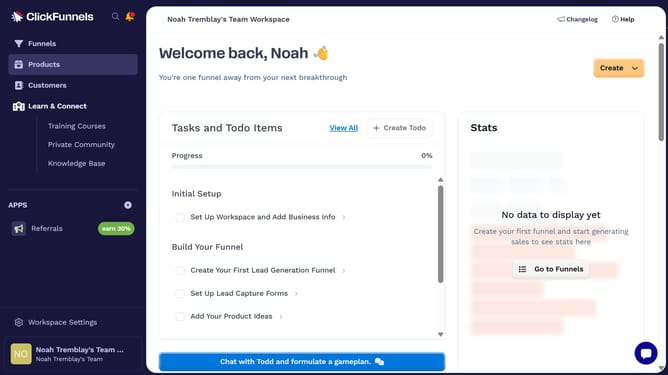
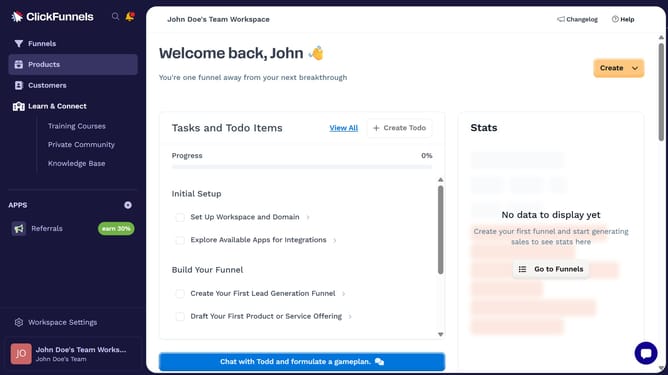
- First click on the "Products" menu item in the left sidebar
- Then click on the "All Products" submenu item in the left sidebar
- Next select the product you want to update in the products table
- Then click on the "SEO and sharing" section header to expand it
- After that, click on the "Title" text field and enter your SEO title
- Finally click on the "Update Product" button at the bottom right of the page
Why should you add an SEO title to a product in ClickFunnels
ClickFunnels is a powerful tool designed to streamline the process of building effective sales funnels for businesses.
Adding an SEO title to a product in ClickFunnels is a strategic feature that helps enhance your product's visibility on search engines. By simply optimizing your product title, you can attract more organic traffic and potential customers.
This feature ensures that your products are not only visible but also presented in a way that draws interest and clicks. Maximizing SEO with ClickFunnels contributes to improved search engine ranking and engagement, making it a vital asset for any digital marketer.
Last update