How to change the price of a product in ClickFunnels
Here is how to change the price of a product in clickfunnels
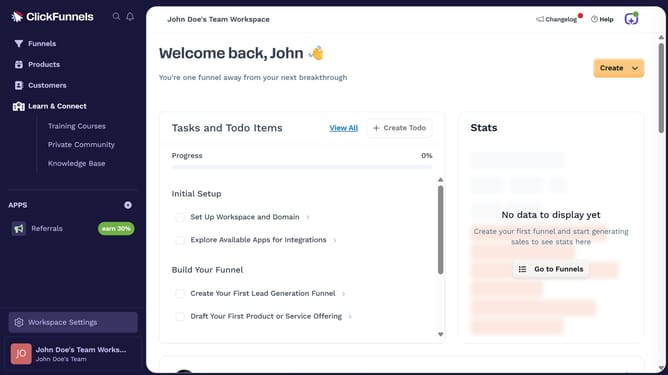
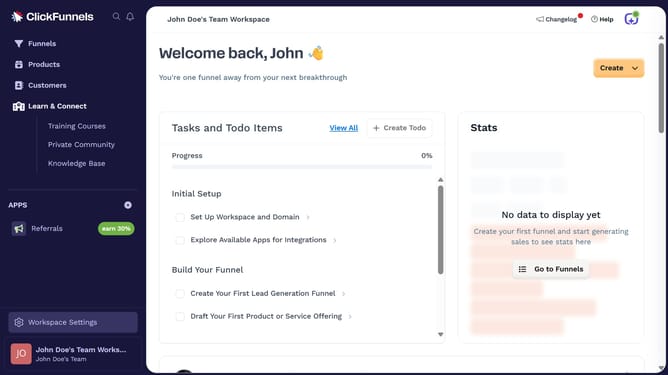
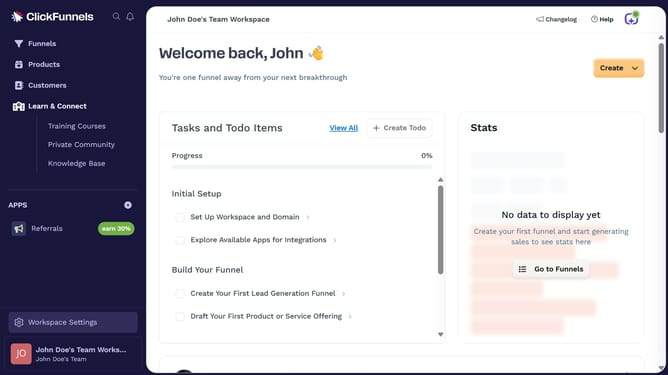
- First click on the "Products" item in the left sidebar navigation menu
- Then click on "All Products" in the products submenu
- Next select the product you want to update from the product list
- Click on the settings icon next to the product price
- Click in the "Amount" field and enter the new product price
- Finally click the "Save" button to confirm the price change
Why should you change the price of a product in ClickFunnels
ClickFunnels is a powerful tool designed to streamline the creation of effective sales funnels for businesses.
Changing the price of a product in ClickFunnels is an intuitive process that empowers marketers to swiftly adapt to market demands without hassle. This feature allows you to quickly implement pricing strategies, optimize product offerings, and ultimately increase sales conversion rates.
By adjusting prices effortlessly, businesses can stay competitive, respond to consumer trends, and maintain the flexibility needed to thrive in dynamic markets.
Last update