How to hide the Opt-ins column in ClickFunnels
Here is how to hide the opt-ins column in clickfunnels
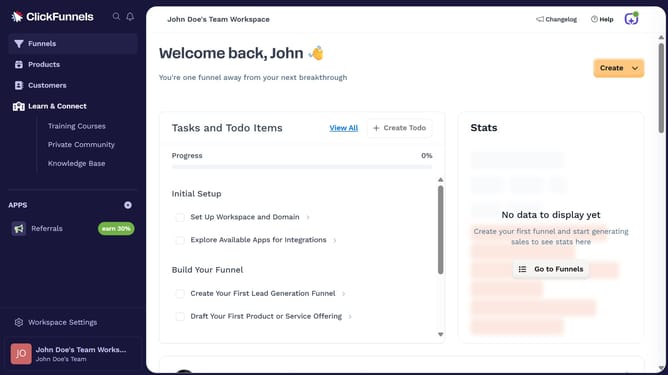
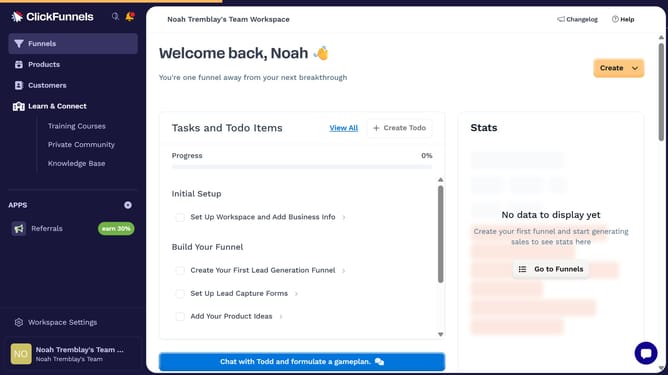
- First click on the "Funnels" option in the left sidebar menu
- Then click on the "Modify columns" button in the top right corner of the funnel list view
- Finally uncheck the "Opt-ins" checkbox from the column customization menu
Why should you hide the Opt-ins column in ClickFunnels
ClickFunnels is a dynamic platform designed to help businesses create efficient sales funnels and maximize their conversions.
A key feature is the ability to hide the Opt-ins column, allowing marketers to streamline their dashboard view. This enhances focus on metrics that matter most without unnecessary clutter.
By utilizing this feature, users can free up visual space, allowing for quicker assessment of essential performance indicators, ultimately contributing to more strategic decision-making.
Last update