How to show the Sales column in ClickFunnels
Here is how to show the sales column in clickfunnels
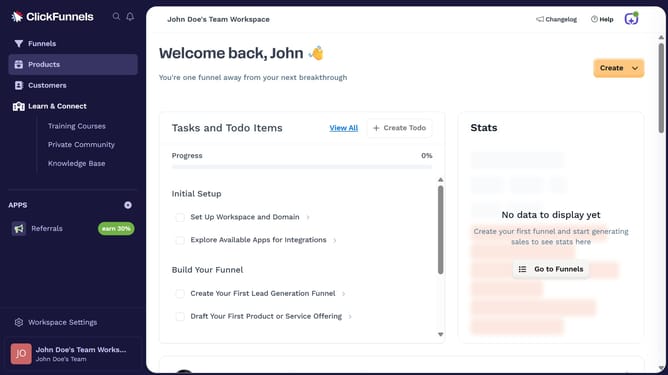
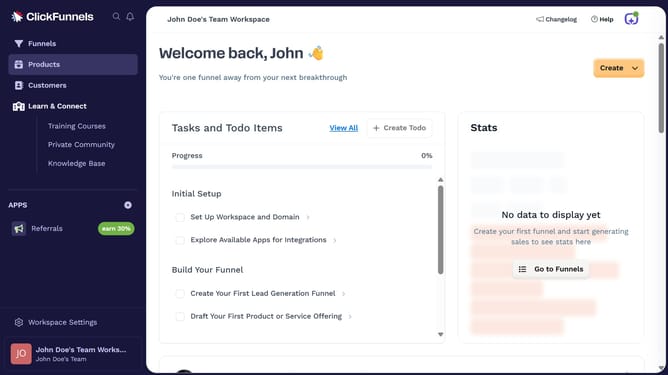
- First click on the "Funnels" option in the left sidebar navigation menu
- Then click on the "Modify columns" button in the top-right corner of the funnel list view
- Finally select the "Sales" checkbox in the column customization dropdown menu
Why should you show the Sales column in ClickFunnels
ClickFunnels is a powerful tool designed to simplify the creation and management of high-converting sales funnels online.
The Sales column in ClickFunnels offers a quick and clear view of your sales performance, making it an indispensable feature for any business owner. By displaying real-time sales data, it enables you to monitor your funnel’s success with ease.
Viewing the Sales column allows you to identify trends and modify strategies efficiently, enhancing your decision-making and boosting your overall business outcomes.
Last update