How to update inventory quantity in ClickFunnels
Here is how to update inventory quantity in clickfunnels
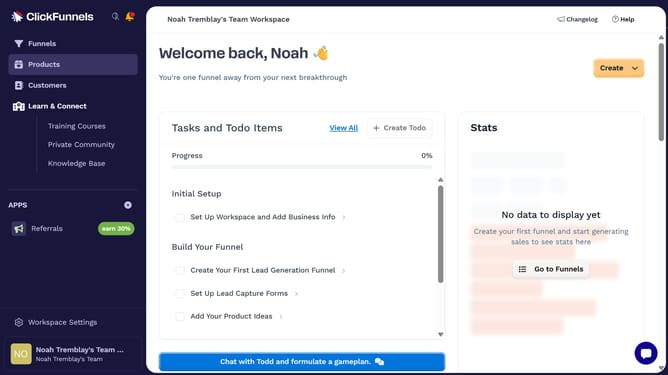
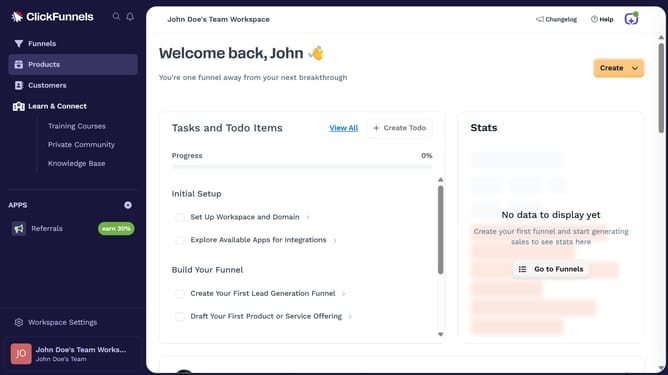
- First click on the "Products" link in the left sidebar menu
- Then click on the "All Products" option in the Products submenu
- Next select the product you want to update the inventory quantity for
- Then click on the settings gear icon next to the inventory number
- Next use the inventory update modal to adjust the total inventory
- Finally click the "Save" button to update the inventory
Why should you update inventory quantity in ClickFunnels
ClickFunnels is an innovative platform designed to streamline the creation and management of online sales funnels.
One of its valuable features is the ability to update inventory quantity seamlessly. This feature empowers businesses to maintain accurate stock levels, ensuring smooth operations and customer satisfaction.
By easily managing inventory, businesses can prevent over-selling, reduce missed sales opportunities, and maintain trust with their customers. Efficient inventory management enhances operational efficiency, making ClickFunnels an indispensable tool for modern marketers.
Last update