How to enable tax collection for a product in ClickFunnels
Here is how to enable tax collection for a product in clickfunnels
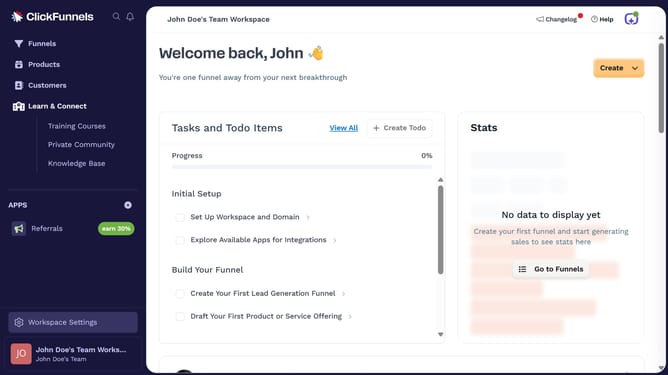
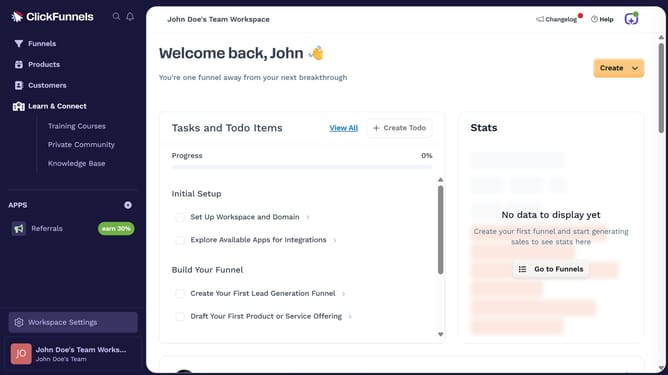
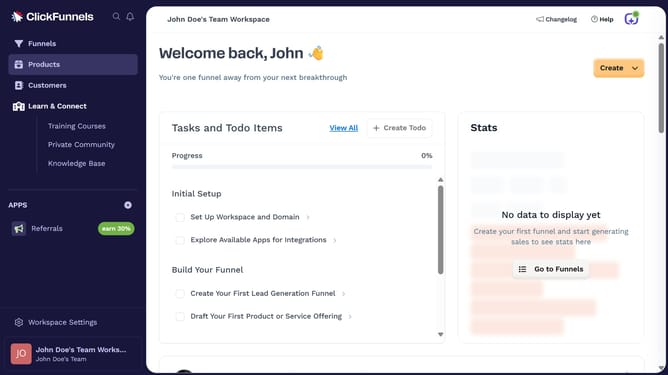
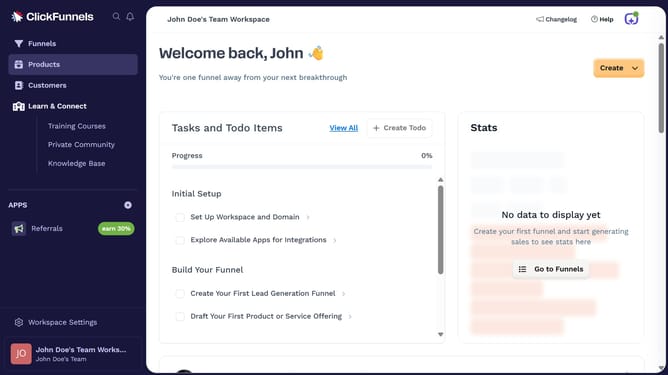
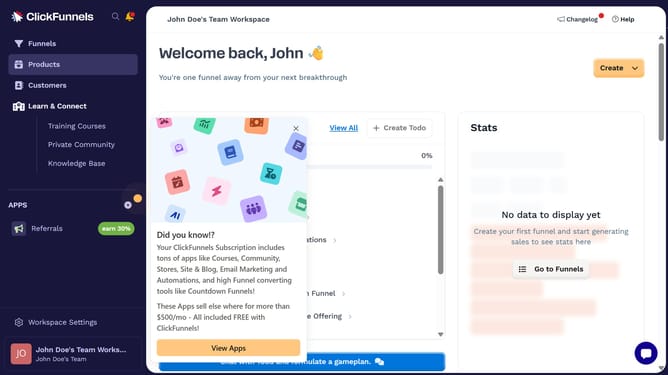
- First click on "Products" in the left sidebar menu
- Then click on "All Products" submenu item in the Products section
- Next select the product you want to enable tax collection from the products list
- Then click the checkbox for "Product is taxable" in the product settings
- Finally click the "Update Product" button in the top-right corner of the page
Why should you enable tax collection for a product in ClickFunnels
ClickFunnels is a dynamic online platform designed to simplify the process of building sales funnels and marketing your products effortlessly.
One of its beneficial features is the ability to enable tax collection for your products. This function helps ensure compliance with tax regulations, offering you peace of mind and accuracy.
By automating tax collection, ClickFunnels reduces the manual workload, helping you focus on scaling your business instead. It's an efficient way to manage financial obligations seamlessly.
Last update