How to update product sharing preview in ClickFunnels
Here is how to update product sharing preview in clickfunnels
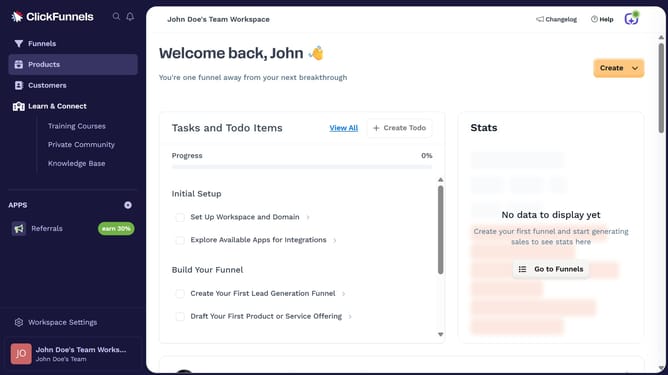
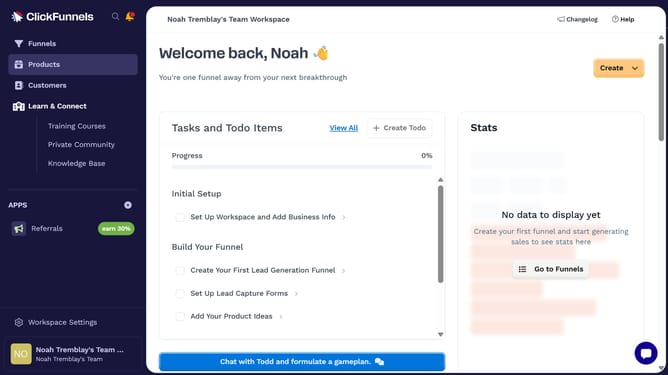
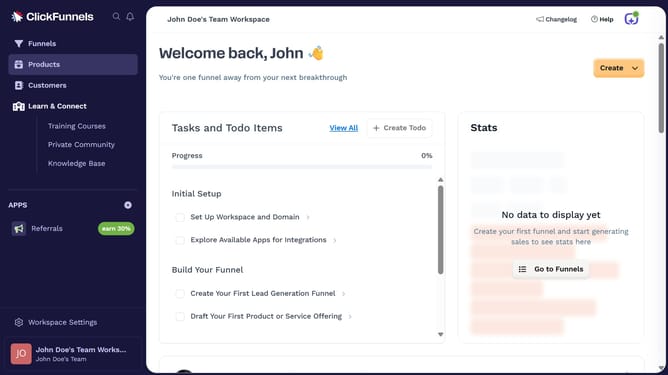
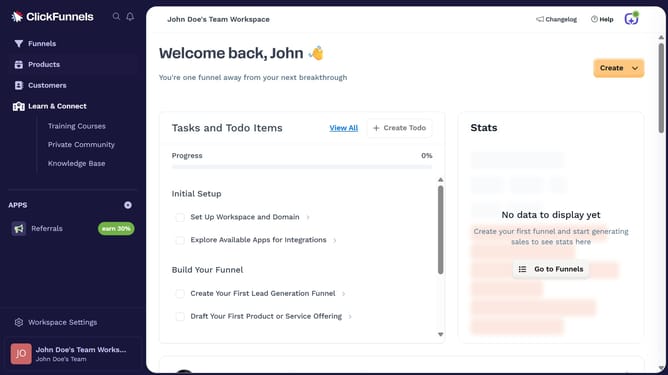
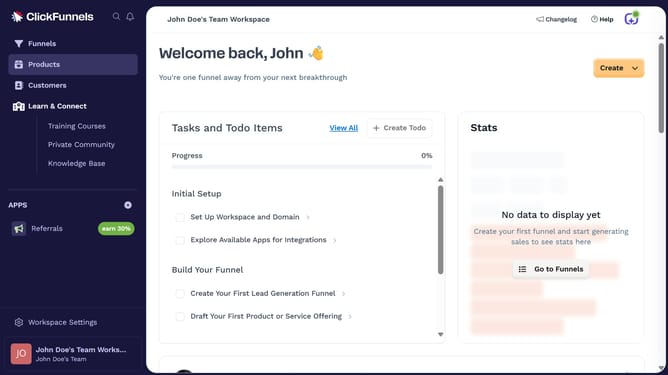
- First click on "Products" in the left sidebar
- Then click on "All Products" in the expanded Products submenu
- Next select the product you want to update
- Then click on "Edit SEO and sharing" link in the SEO and sharing section
- Next update the sharing preview by editing the preview image, title, or description fields
- Finally click on "Update Product" button at the bottom right to save changes
Why should you update product sharing preview in ClickFunnels
ClickFunnels is a dynamic platform designed to streamline the process of creating high-converting sales funnels with ease.
Updating the product sharing preview in ClickFunnels empowers businesses to tailor their product's first impression across social media platforms.
Personalizing this preview enhances brand consistency, increases engagement, and captures potential customers' attention by showcasing relevant visuals and messaging.
This feature ensures your product stands out, building credibility and encouraging click-through rates for greater online visibility and success.
Last update