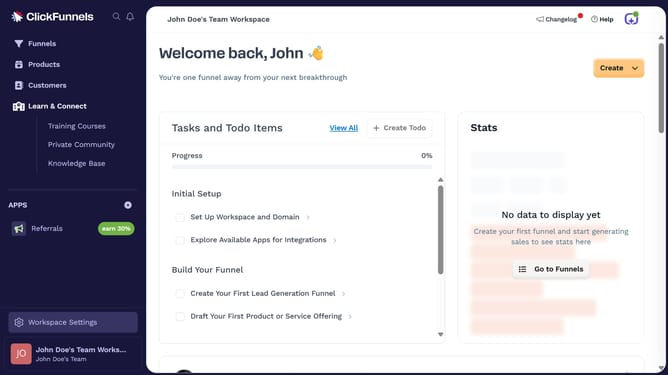
How to enable the customer center toggle in ClickFunnels
Here is how to enable the customer center toggle in clickfunnels
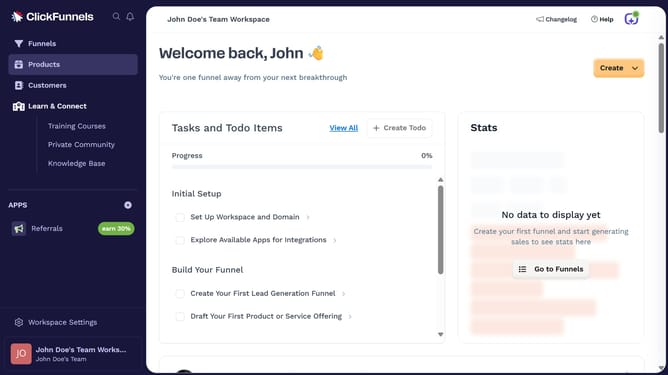
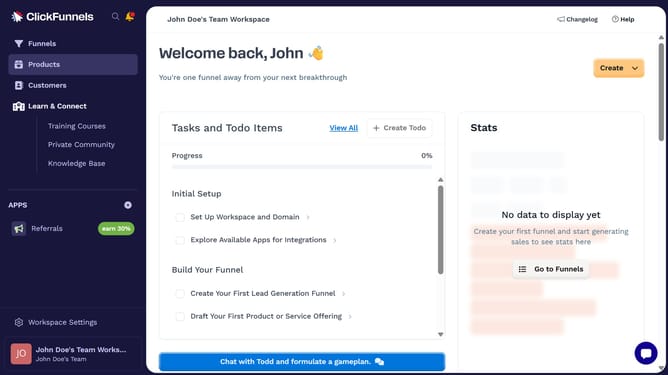
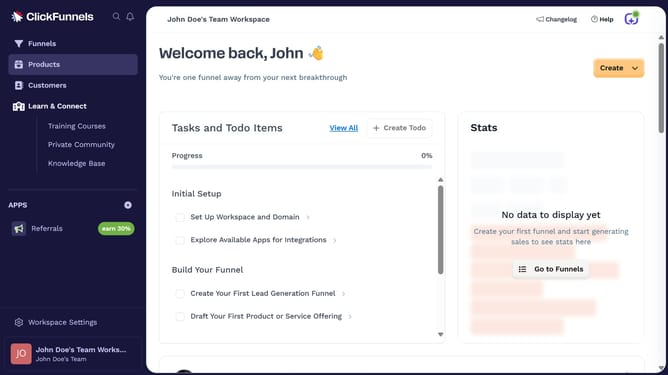
- First click on the "Products" menu item in the left sidebar
- Then click on the "All Products" submenu item in the left sidebar
- Next select the product you want to update
- Then scroll to the Sales Channel Visibility section and toggle on the "Customer Center" switch
- Finally click on the "Update Product" button in the top right corner
Why should you enable the customer center toggle in ClickFunnels
ClickFunnels is a powerful platform designed to streamline the process of building sales funnels for your online business.
Enabling the customer center toggle in ClickFunnels allows users to effortlessly manage their customer interactions from a centralized hub.
By activating this feature, businesses can enhance their customer service operations, leading to improved customer satisfaction and loyalty.
The customer center toggle ensures all customer data is easily accessible, fostering more efficient communication and better business outcomes.
Last update