How to integrate Salesflare with ClickFunnels
Here is how to integrate salesflare with clickfunnels
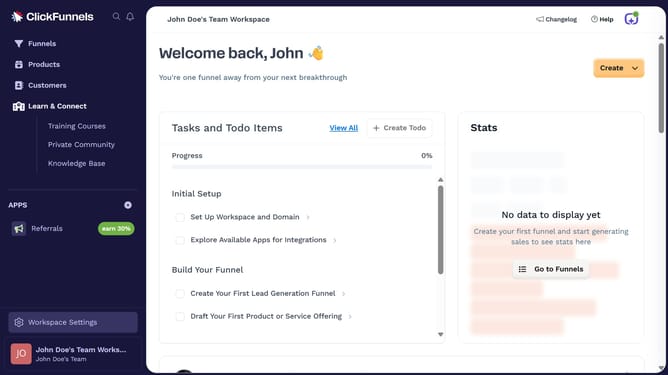
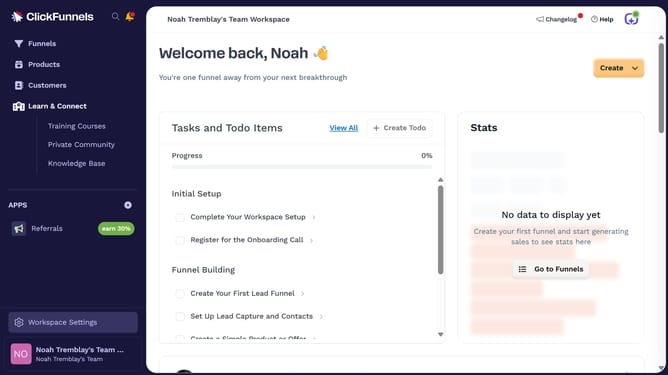
- First click on "Workspace Settings" in the left sidebar
- Then click on "Integrations" in the left sidebar menu
- Next click on the "Salesflare" integration card in the main content area
- Finally enter your Salesflare API key in the connection form, then click "Proceed" to complete the integration
Why should you integrate Salesflare with ClickFunnels
ClickFunnels is a dynamic online tool designed to simplify the creation of effective sales funnels.
Integrating Salesflare with ClickFunnels is a game-changer for businesses seeking seamless automation and enhanced efficiency.
This integration helps synchronize customer data between platforms, providing a unified view of sales processes and customer interactions.
By connecting these tools, businesses can maximize lead conversion and streamline workflow, ensuring that no opportunity is missed.
Last update