How to add a material variant to a product in ClickFunnels
Here is how to add a material variant to a product in clickfunnels
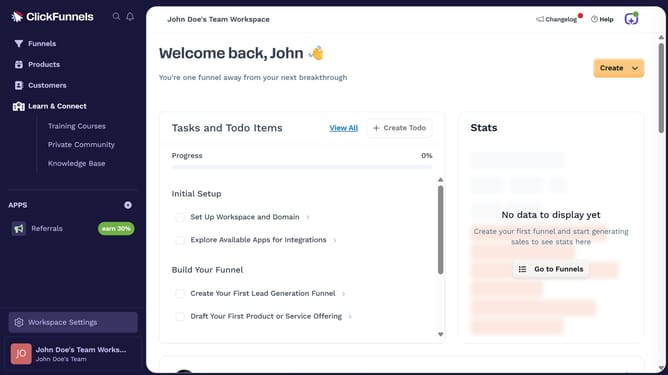
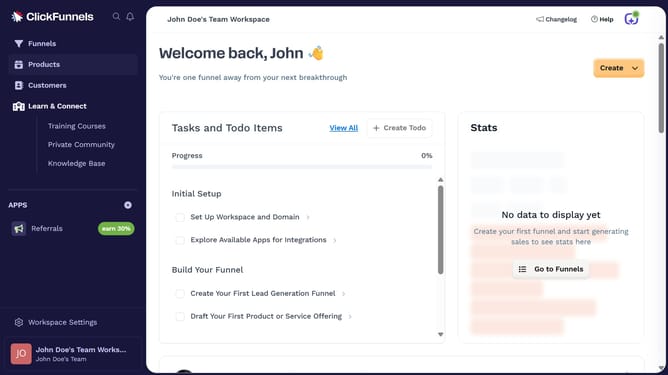
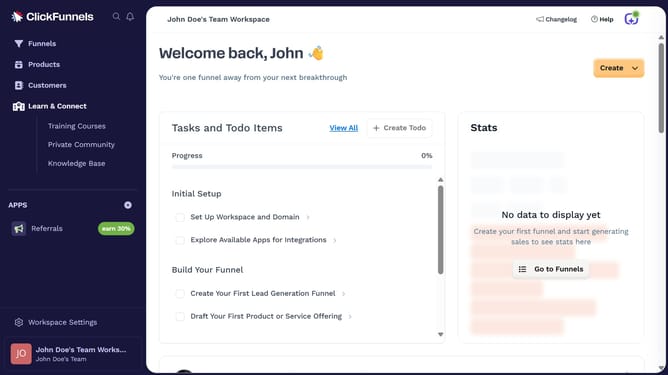
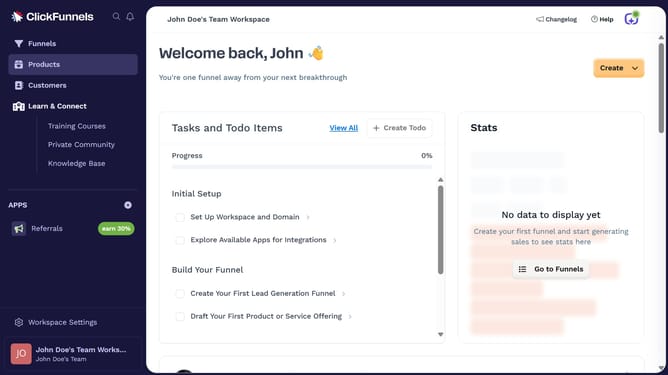
- First click on "Products" in the left sidebar menu
- Then click on "All Products" in the submenu under Products
- Next select the product you want to add a material variant to
- Click the checkbox next to "This product has multiple options, like different sizes or colors" in the Variants section
- Click on the dropdown field to select option type
- Select "Material" from the dropdown list of options
- Then enter the material you want to add in the value field
- Click the "Done" button to confirm the material options
- Finally click the "Update Product" button to save all changes
Why should you add a material variant to a product in ClickFunnels
ClickFunnels is a powerful platform designed to simplify building online sales funnels, driving sales, and managing customers.
Adding a material variant to a product in ClickFunnels enhances your store's flexibility, enabling you to offer diverse options without the need for complex integrations.
This feature streamlines your inventory management and customer browsing experience by allowing them to choose from different fabrics or components directly on your product page.
Leveraging material variants can lead to increased customer satisfaction as they enjoy a personalized shopping experience tailored to their needs.
Last update