How to sort products Z–A in ClickFunnels
Here is how to sort products z–a in clickfunnels
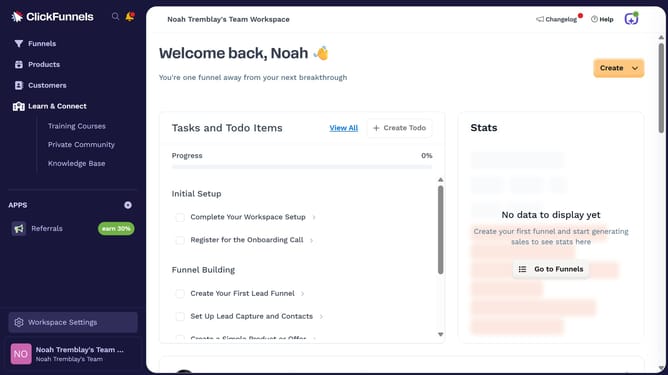
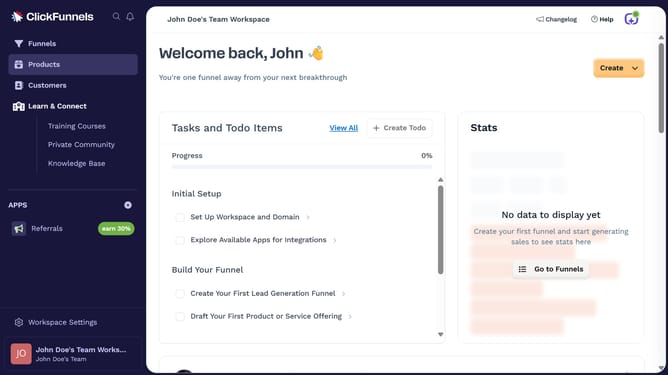
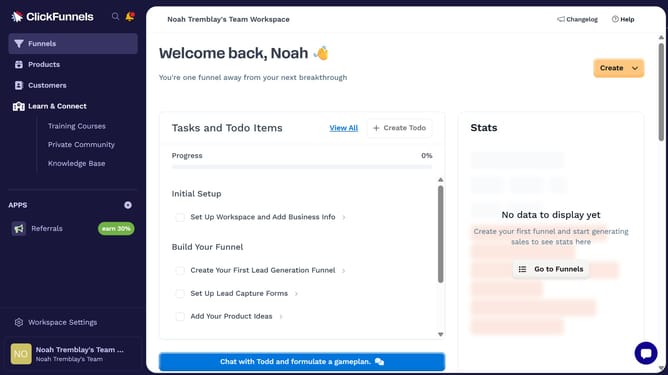
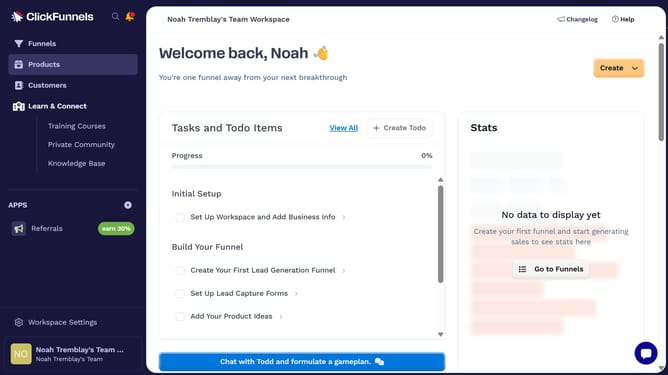
- First click on "Products" in the left sidebar menu
- Then click on "All Products" submenu item in the left sidebar
- Next click on the "Sort by" dropdown button in the top right area of the products table
- Finally select "Product name (Z-A)" option from the sort by dropdown menu
Why should you sort products Z–A in ClickFunnels
ClickFunnels is a dynamic platform designed to simplify the process of building marketing and sales funnels for businesses.
The feature to sort products Z–A in ClickFunnels empowers users to manage their product lists effectively. By arranging items in reverse alphabetical order, it offers a fresh perspective that can highlight unique product names or aid in organizing inventory efficiently.
This sorting method ensures quick access to items that start with later letters, saving time and streamlining decision-making processes. As a result, users can focus more on enhancing their sales strategy and less on navigating lengthy lists.
Last update