How to archive a funnel in ClickFunnels
Here is how to archive a funnel in clickfunnels
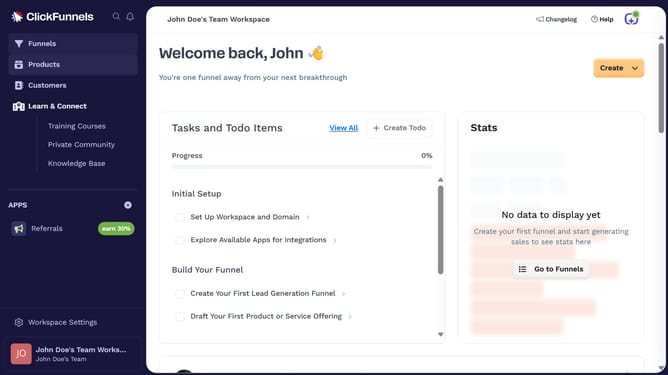
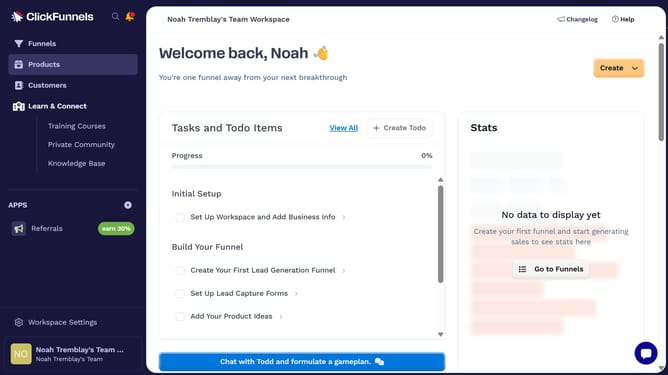
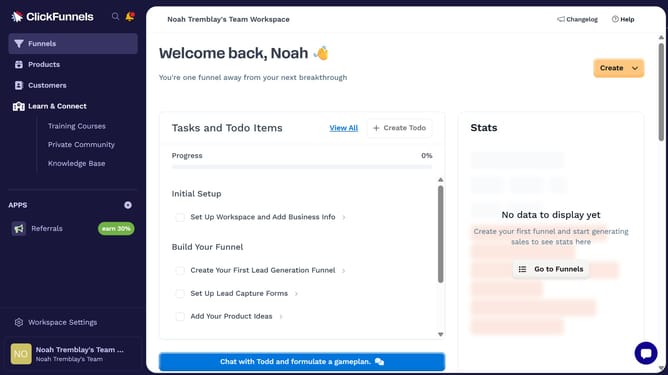
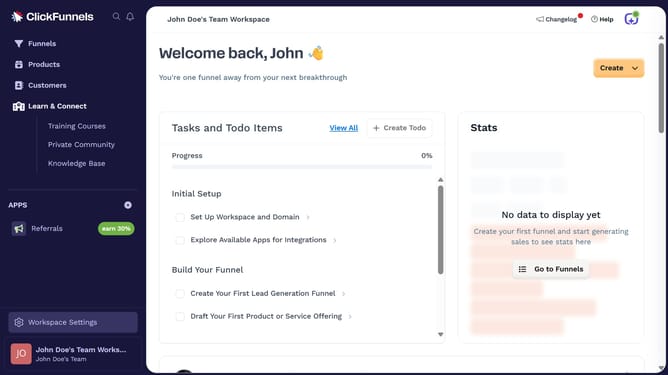
- First click on "Funnels" in the left sidebar navigation menu
- Then click the "Settings" button of the funnel you want to archive in the list
- Next click on "Archive Funnel" button at the bottom of the funnel settings page
- Finally click the "Proceed" button in the confirmation dialog box
Why should you archive a funnel in ClickFunnels
ClickFunnels is a powerful platform designed to simplify the creation of sales funnels and drive online sales efficiently.
Archiving a funnel in ClickFunnels helps maintain an organized workspace by allowing you to clear out funnels that are not currently in use. This feature ensures that your dashboard remains uncluttered, promoting better focus on active projects.
Utilizing the archive function also provides the flexibility to restore these funnels at any time, offering the convenience of revisiting past campaigns without needing to rebuild them from scratch.
Last update