How to delete a product tag in ClickFunnels
Here is how to delete a product tag in clickfunnels
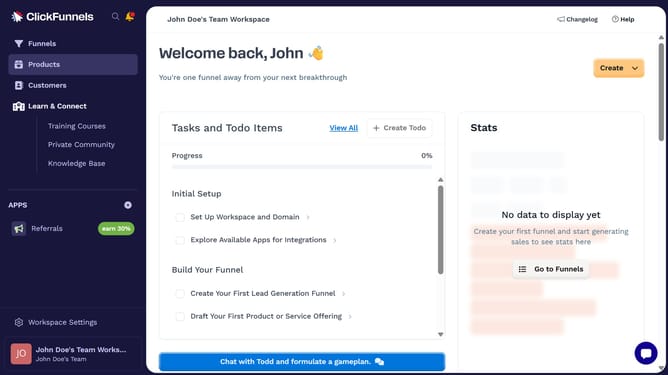
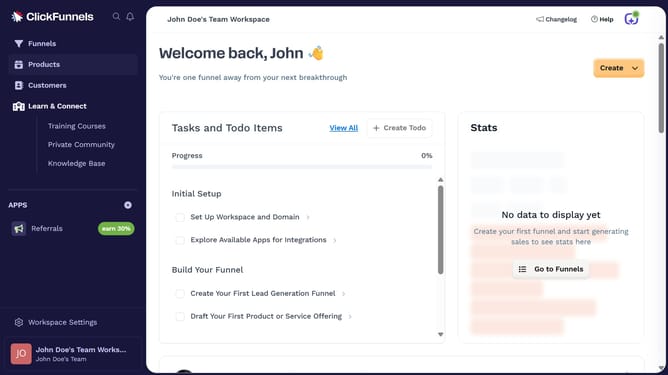
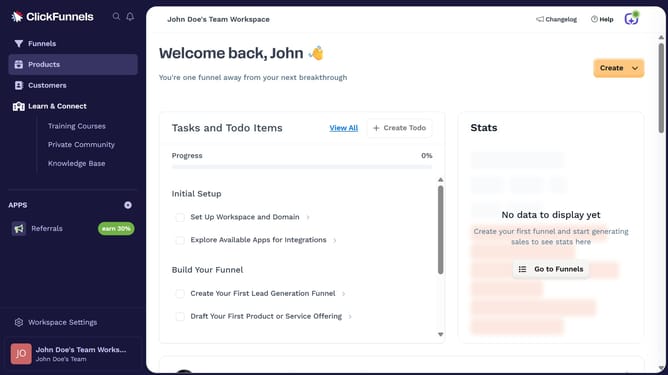
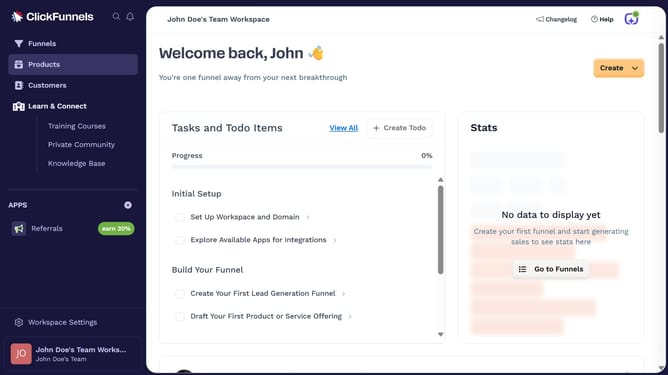
- First click on "Workspace Settings" link in the left sidebar
- Then click on "Tags" option in the left sidebar menu
- Next click on "Products" item in the expanded Tags submenu
- Then click the "Delete" button next to the tag you want to delete
- Finally click on the "Proceed" button in the confirmation dialog
Why should you delete a product tag in ClickFunnels
ClickFunnels is a versatile tool designed to streamline the sales funnel process for businesses.
One key feature within ClickFunnels is the ability to manage product tags effectively. Deleting a product tag can help you maintain an organized system by removing outdated or unnecessary tags, contributing to a more clutter-free and efficient management environment.
The benefits that come with deleting a product tag include enhanced focus on relevant products and a more straightforward customer experience. This ensures that your product offerings are always accurately reflected, enhancing user engagement and satisfaction.
Maintaining accuracy in your product catalog by removing redundant tags is an essential part of effective funnel management in ClickFunnels, promoting a seamless path to purchase for your customers.