How to integrate Constant Contact with ClickFunnels
Here is how to integrate constant contact with clickfunnels
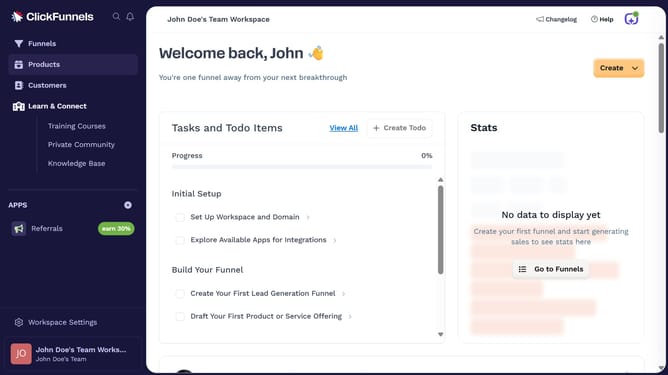
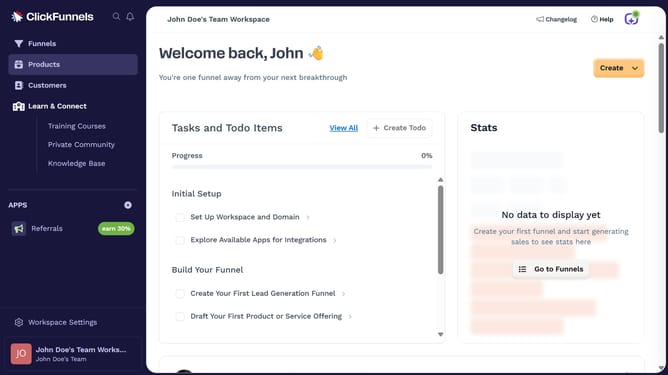
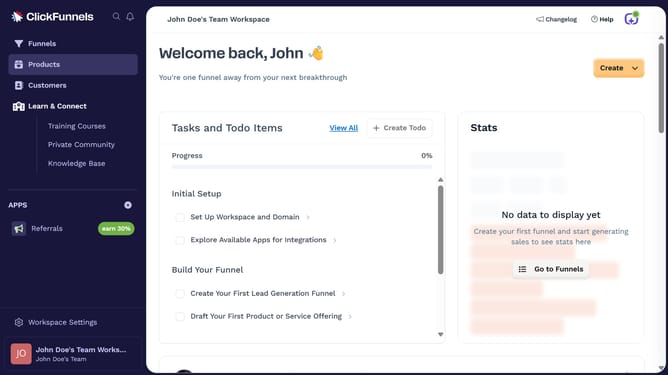
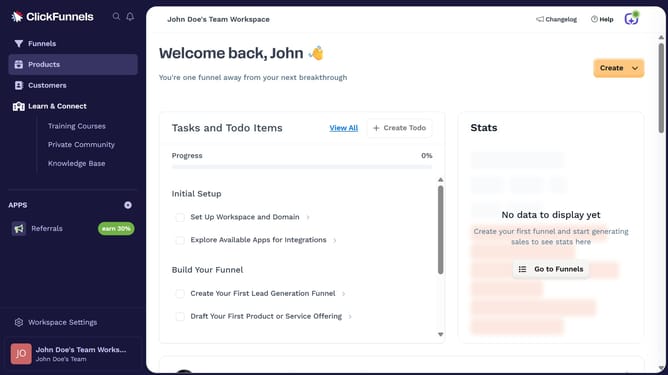
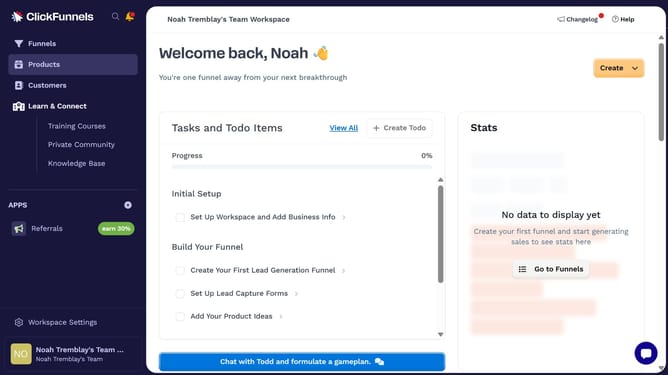
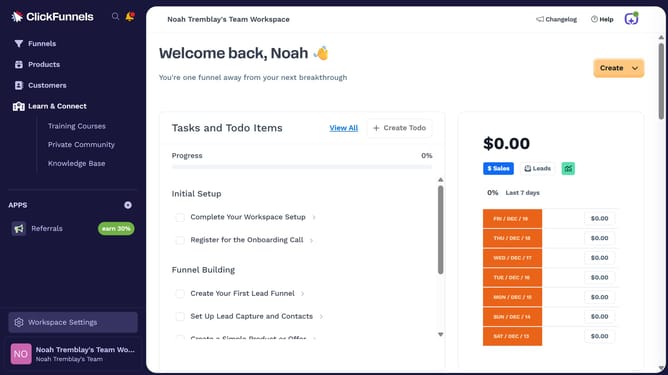
- First click on "Workspace Settings" button in the left sidebar
- Then click on "Integrations" menu item in the left sidebar under Workspace Settings
- Next click on "Constant Contact" integration card in the main content area
- Finally enter your username and password in the connection form, then click "Sign In" to complete the integration
Why should you integrate Constant Contact with ClickFunnels
ClickFunnels is a powerful tool designed to effortlessly create high-converting sales funnels.
Integrating Constant Contact with ClickFunnels can automate your email marketing efforts, seamlessly uniting your campaign management and customer engagement.
By combining these platforms, you ensure a streamlined workflow where collected customer data flows directly into targeted email campaigns.
This integration not only enhances your marketing automation strategy but also maximizes your reach and efficiency.
Last update