How to add a size variant to a product in ClickFunnels
Here is how to add a size variant to a product in clickfunnels
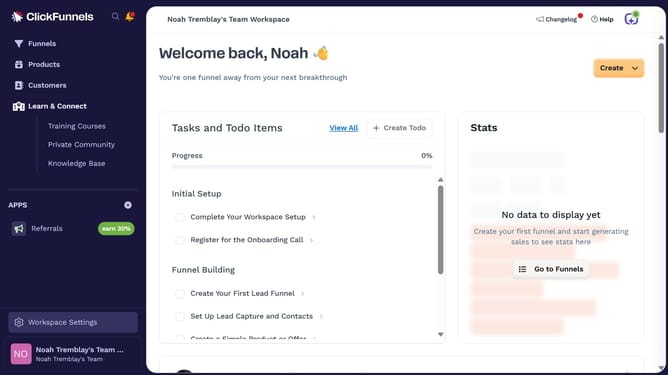
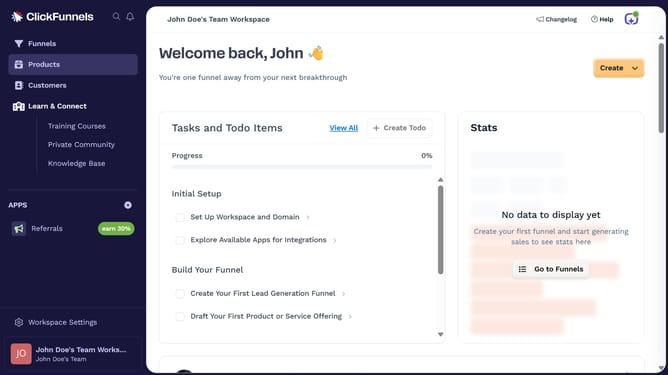
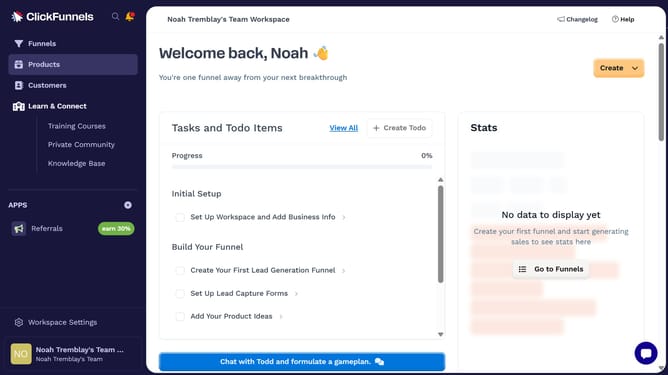
- First click on the "Products" option in the left sidebar menu
- Then click on "All Products" in the Products submenu
- Next select the product you want to add a size variant to
- Click the checkbox to enable "This product has multiple options, like different sizes or colors"
- Click on the dropdown menu under "Option" to select a variant type
- Select "Size" from the variant options dropdown
- Then enter the size you want to add in the value field
- After entering the size values, click the "Done" button to save the variants
- Finally, click the "Update Product" button to save all changes
Why should you add a size variant to a product in ClickFunnels
ClickFunnels is a robust online tool designed to help businesses create effective marketing funnels with ease.
Adding a size variant to a product in ClickFunnels enhances your sales funnel by offering customers personalized choices that can increase conversion rates.
This feature provides a seamless shopping experience, allowing buyers to select the perfect size for their needs, which can boost customer satisfaction and reduce returns.
Utilizing size variants in your product listings can make your offerings more appealing and versatile, catering to a broader audience.
Last update