How to integrate Capsule CRM with ClickFunnels
Here is how to integrate capsule crm with clickfunnels
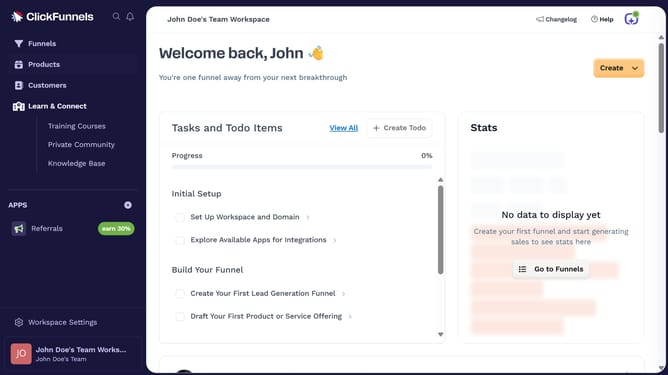
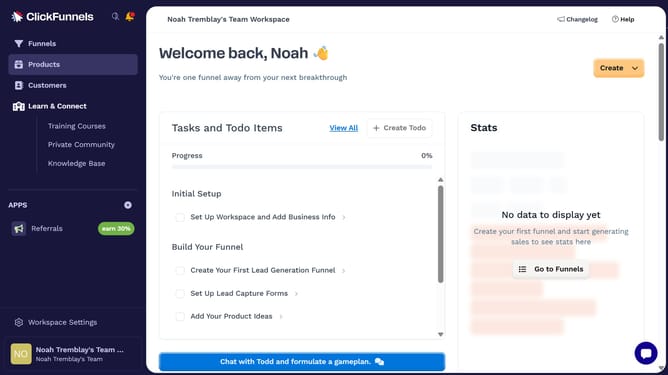
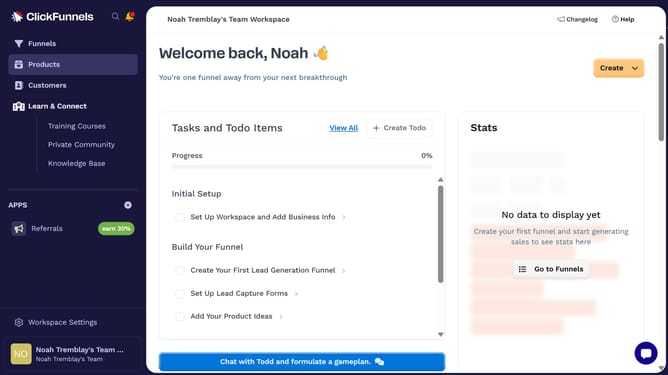
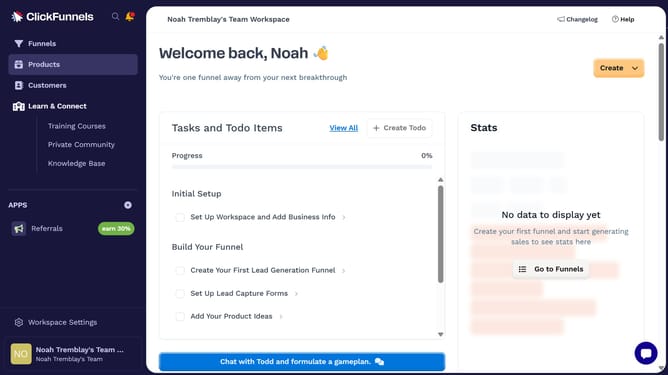
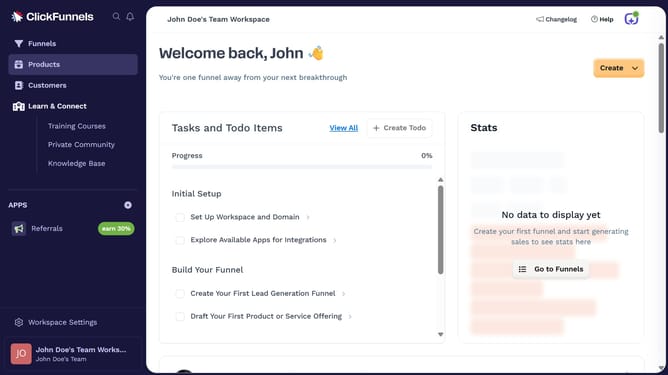
- First click on "Workspace Settings" button in the left sidebar
- Then click on "Integrations" menu item in the left sidebar under Workspace Settings
- Next click on "Capsule CRM" integration card in the main content area
- Finally enter your Capsule CRM site address in the connection form and click on "Continue" to complete the integration
Why should you integrate Capsule CRM with ClickFunnels
ClickFunnels revolutionizes online marketing, offering streamlined processes for effortless sales funnel creation.
Integrating Capsule CRM with ClickFunnels ensures that your customer management is as smooth as your sales processes. This synergy enhances your workflow by automatically syncing leads and customer data, ensuring nothing falls through the cracks.
This integration maximizes efficiency by avoiding manual data entry and keeping all your customer insights in one place, empowering you to focus on growing your business with ease and precision.
Last update