How to integrate Zoom with ClickFunnels
Here is how to integrate zoom with clickfunnels
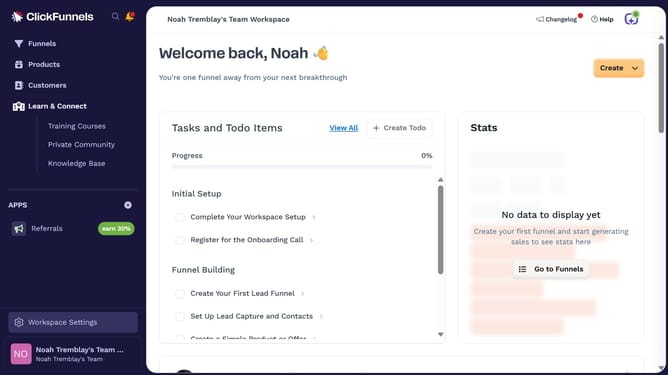
- First click on "Workspace Settings" in the left sidebar
- Then click on "Integrations" in the left sidebar menu
- Next click on the "Zoom" integration card in the main content area
- Finally enter your Zoom email address and password in the connection form, then click "Proceed" to complete the integration
Why should you integrate Zoom with ClickFunnels
ClickFunnels is a powerful tool designed to streamline the creation of sales funnels and effectively boost conversions.
Integrating Zoom with ClickFunnels enhances online interactions by facilitating seamless webinar and meeting setups within your sales funnel.
This integration allows you to effortlessly coordinate live sessions, providing an invaluable opportunity for real-time engagement with your audience.
By merging these platforms, you can maximize reach, improve customer interactions, and ultimately drive more conversions.
Last update