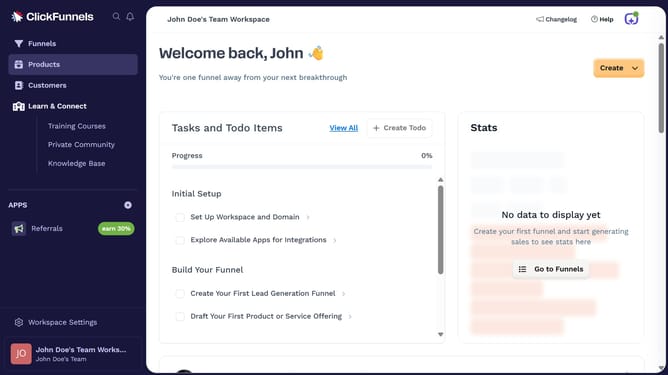
How to integrate Discord with ClickFunnels
Here is how to integrate discord with clickfunnels
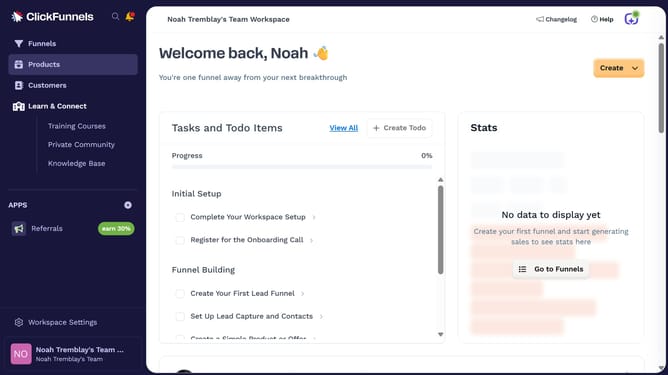
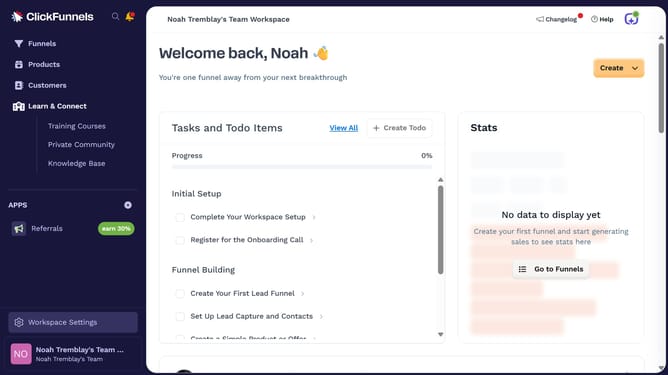
- First click on "Workspace Settings" button in the left sidebar
- Then click on "Integrations" menu item in the left sidebar
- Next click on the "Discord" integration card in the main content area
- Finally enter your Discord email and password in the connection form, then click "Log In" to complete the integration
Why should you integrate Discord with ClickFunnels
ClickFunnels is a versatile platform designed to streamline the process of creating and optimizing sales funnels.
Integrating Discord with ClickFunnels enhances communication by connecting funnel users directly to your vibrant community channel. This integration allows real-time notifications of sales and funnel activity, keeping your team informed and responsive.
The benefits of this connection include improved engagement, faster support, and a streamlined way to nurture your community, ultimately boosting customer satisfaction and conversion rates.
Last update