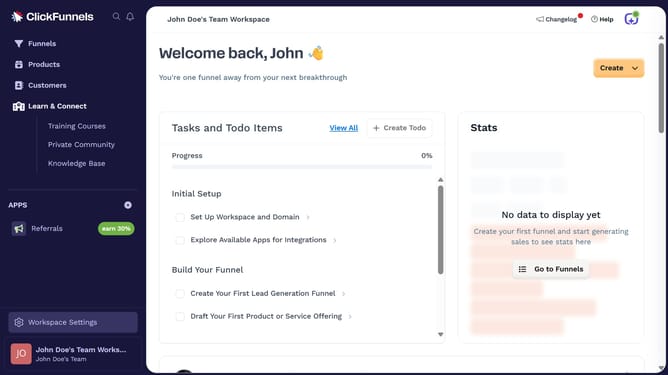
How to customize product SEO settings in ClickFunnels
Here is how to customize product seo settings in clickfunnels
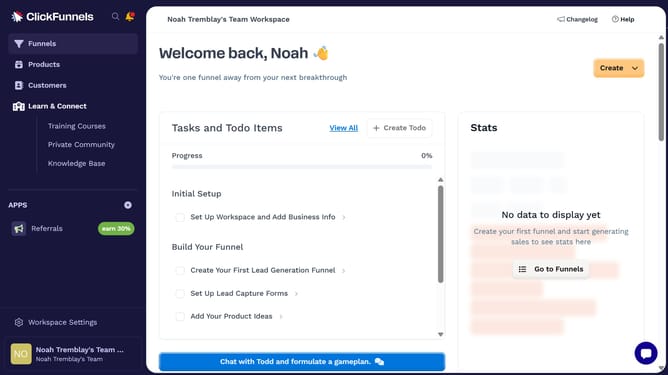
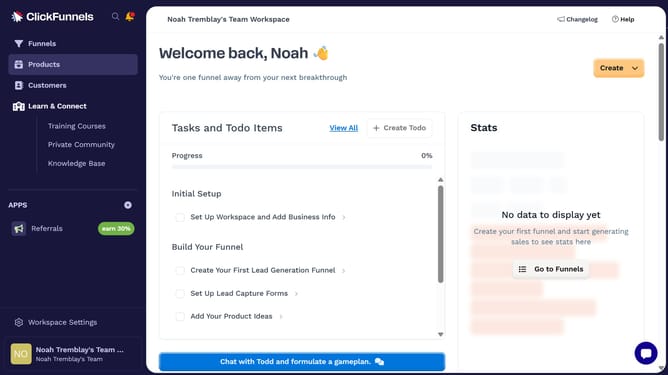
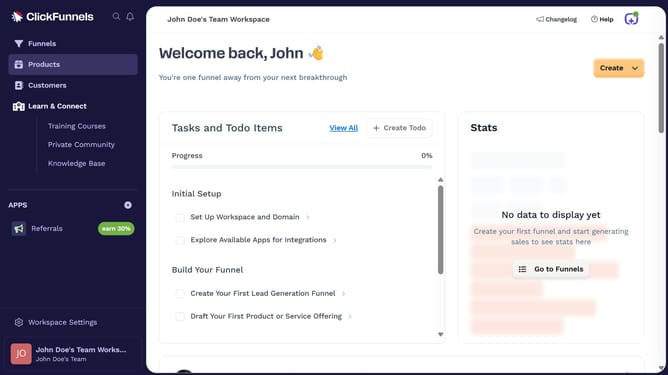
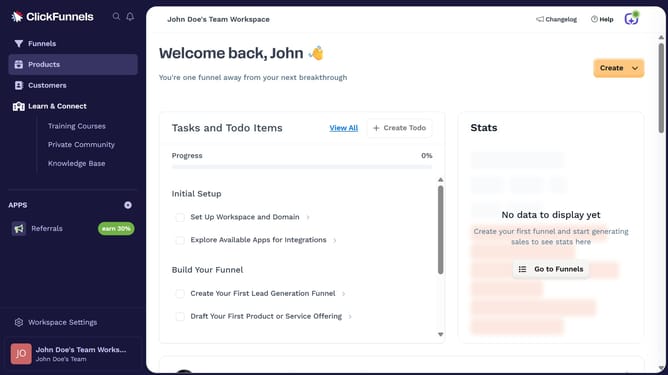
- First click on "Products" in the left sidebar menu
- Then click on "All Products" in the expanded Products submenu
- Next select the product you want to customize in the products list
- Then scroll down to the SEO and Sharing section and click the "Edit" link to expand the settings
- Next update the SEO options to your preferred settings
- Finally click on "Update Product" button at the bottom right of the page
Why should you customize product SEO settings in ClickFunnels
ClickFunnels is a premier tool designed to simplify online sales and marketing funnels for businesses aiming to scale effectively.
Customizing product SEO settings in ClickFunnels allows users to optimize the visibility of their products in search engines, significantly enhancing brand reach.
Personalizing these settings ensures that each product stands out, attracting more organic traffic and boosting potential conversions by targeting the right audience with precise keywords.
This feature empowers businesses to distinguish their offerings, adapting quickly to market trends and maintaining a competitive edge.
Last update