How to make a product visible in the customer center in ClickFunnels
Here is how to make a product visible in the customer center in clickfunnels
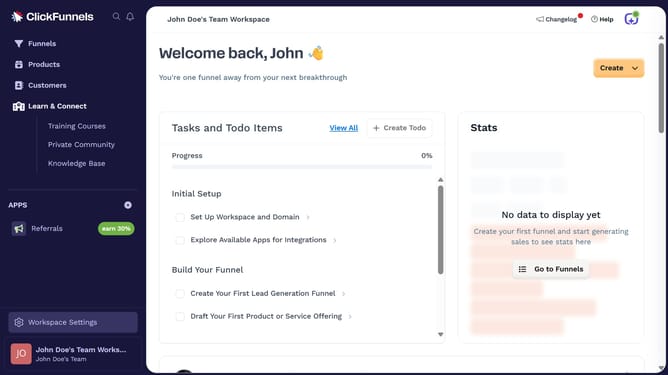
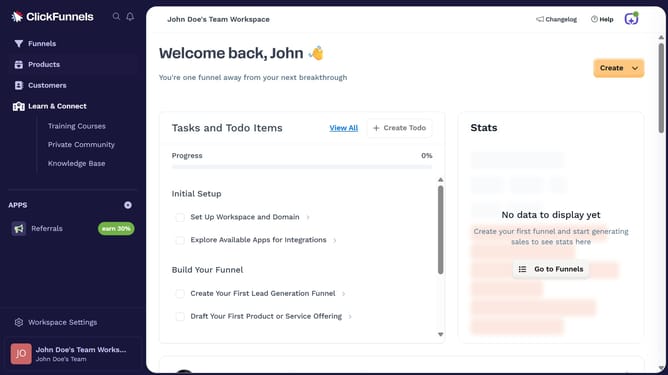
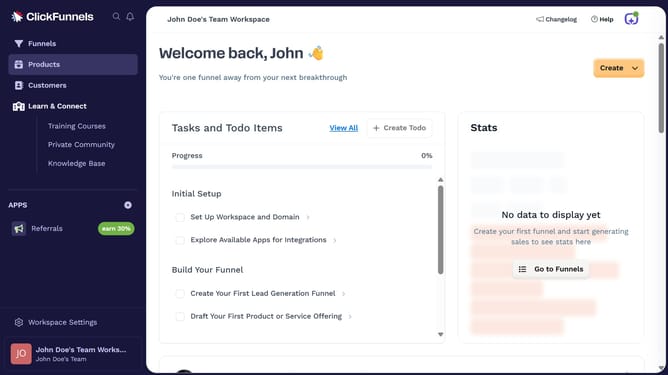
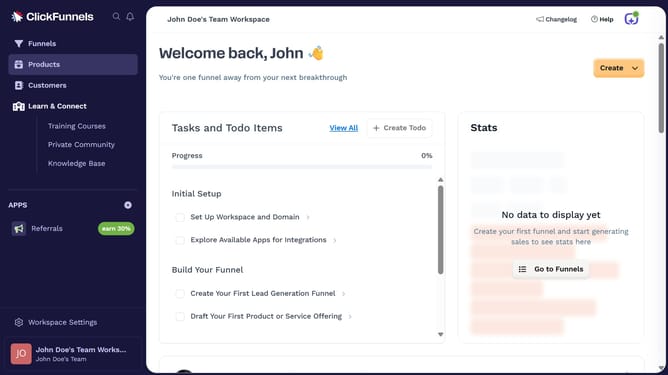
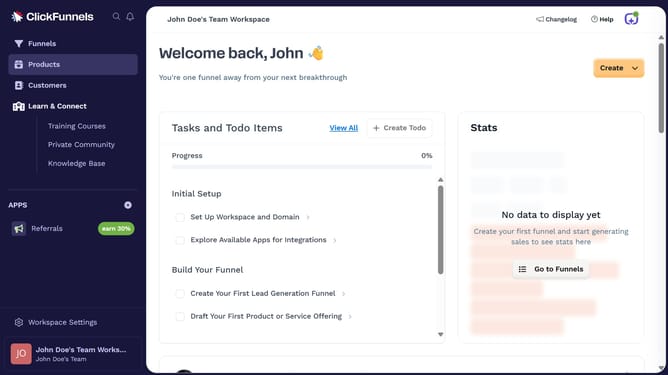
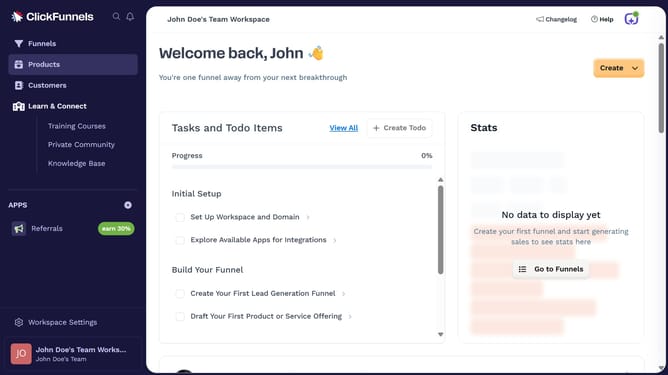
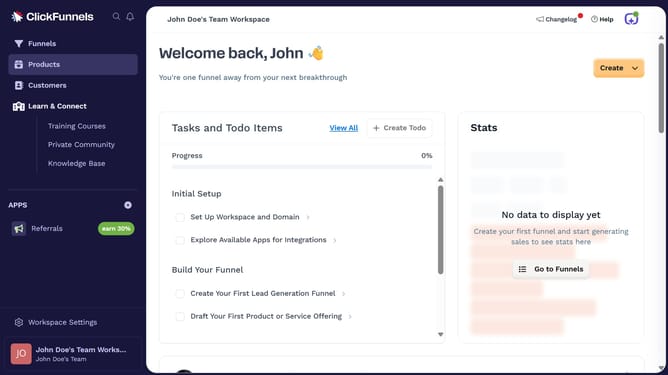
- First click on "Products" in the left sidebar navigation menu
- Then click on "All Products" in the expanded Products submenu
- Next select the product you want to make visible in the customer center
- Then click on the "Customer Center" toggle switch in the Sales Channel Visibility section to enable it
- Finally click on "Update Product" button in the top right corner to save the changes
Why should you make a product visible in the customer center in ClickFunnels
ClickFunnels is a powerful online platform designed to streamline and enhance the sales funnel process for businesses.
Making a product visible in the customer center within ClickFunnels is a strategic feature that's essential for improving customer experience. When products are visible, customers can easily access and manage their purchases, enhancing satisfaction and fostering trust.
This feature not only aids in transparency but also increases the likelihood of repeat sales, as customers can quickly navigate through their owned products, encouraging continued engagement with your brand.
Last update